
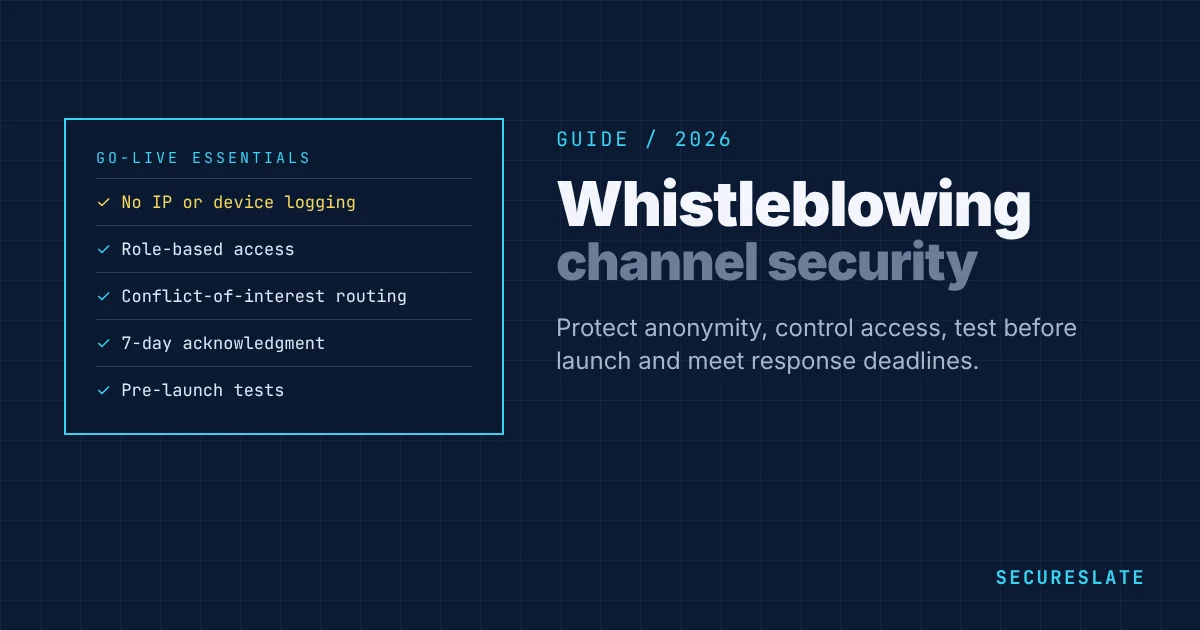
A secure whistleblowing channel must survive scrutiny from your CISO, external auditors, and enterprise customers, not just satisfy legal minimums. Implementation mistakes (over-collecting metadata, shared admin accounts, missing backups) undermine trust and create findings.
This technical implementation guide helps compliance and IT teams go live confidently with SecureSlate's Whistleblowing module.
This guide covers:
- Security architecture and data flows
- RBAC and segregation of duties
- Pre-launch testing and pen test scope
- Post-launch monitoring
Related guides:
- EU Whistleblower Protection Directive compliance checklist
- How to implement a whistleblowing policy
- Whistleblowing software for startups and SaaS
- SOC 2 whistleblower policy requirements
Key takeaways
- Treat whistleblowing as high-sensitivity data: tier with HR/legal records.
- Separate admin roles from general GRC viewers.
- Test anonymous path for metadata leakage.
- Document subprocessors and encryption for DDQs.
- Go-live is Day 1: monitor SLAs immediately.
Security requirements for whistleblowing channels
| Control | Implementation |
|---|---|
| Encryption in transit | TLS 1.2+ for all intake pages |
| Encryption at rest | Platform-managed (SecureSlate) |
| Authentication | SSO + MFA for admins; token/anonymous for reporters |
| Authorization | RBAC, least privilege, quarterly access reviews |
| Logging | Audit trail without deanonymizing reporters |
| Availability | Uptime monitoring on intake URL |
| Backups | Aligned to retention and legal hold |
| Data residency | Match entity requirements (validate with vendor) |
Run a security review before publishing the channel company-wide.
Go-live checklist (IT + compliance)
Two weeks before:
- Counsel approves policy and privacy notices
- RBAC roles configured in SecureSlate Whistleblowing module
- Intake forms and categories finalized
- SLA owners and backups assigned
One week before:
- Internal test submissions (anonymous + confidential)
- Verify notifications reach designated recipients only
- Training content published with channel link
- Trust Center / intranet pages updated
Launch day:
- Executive communication sent
- Monitor first submissions and SLAs hourly
- Helpdesk briefed on redirecting ethics issues to channel
Post-launch (30 days):
- Access review for case admins
- Metrics review with compliance lead
- Retrospective with HR and legal
Protecting anonymous reporters
Anonymity fails more often through technical detail than through policy. Check each of these before launch:
- No IP or device logging on the intake page. Confirm with the vendor that reporter IP addresses, user agents and device identifiers are not stored with the report.
- No tracking scripts. Remove analytics, chat widgets and advertising tags from the reporting pages.
- Separate from single sign-on. Anonymous reporters should not need to log in with company credentials. Confidential (named) reports can use SSO, but anonymous ones must not.
- Metadata in attachments. Warn reporters that documents and photos can contain author names and locations, and strip metadata on upload where the platform supports it.
- Two-way communication without identity. Reporters should be able to return with a case code or token to answer follow-up questions without revealing who they are.
- Notification content. Alerts sent to case handlers should not include report details that could expose the reporter in email systems.
Access model and segregation of duties
| Role | Can do | Should not |
|---|---|---|
| Case intake officer | Triage new reports, assign cases | See closed cases outside their remit |
| Investigator | Work assigned cases, add notes and evidence | Access cases involving themselves or their reporting line |
| Compliance or legal lead | Oversee all cases, run reports | Change audit logs |
| Platform administrator | Configure the system and users | Read case content |
| Executives and board | Receive aggregated metrics | See individual case details unless escalated |
Build in conflict-of-interest handling: if a report names a case handler, it must route automatically to someone else.
Legal response times to build into SLAs
Under the EU Whistleblowing Directive, organizations must acknowledge receipt of a report within seven days and give feedback to the reporter within a reasonable period, no longer than three months from acknowledgment. Even outside the EU, these timelines make good default SLAs. Configure reminders before each deadline and report on how many cases met them.
Retention and deletion
Keep case data only as long as needed for the investigation and any legal follow-up, then delete or anonymize it. Agree the retention period with legal counsel, document it in your privacy notice, and make sure backups follow the same rules. Reports that turn out to be outside the scope of the channel should be deleted promptly or transferred to the correct process.
Testing before launch
Run these tests in the week before go-live and keep the results as evidence:
- Submit an anonymous test report from a personal device on a home network, then confirm nothing in the case record or notifications identifies the sender.
- Submit a confidential test report and confirm only the intended recipients can see the reporter's name.
- Log in as each role and confirm it can see only what the access model allows.
- Test the conflict-of-interest rule by naming a case handler in a test report.
- Confirm the audit log records administrator actions and cannot be edited.
- Check that reminders fire before the acknowledgment and feedback deadlines.
Delete all test cases afterwards so they do not distort your metrics.
Deploy securely with SecureSlate
SecureSlate's Whistleblowing module is designed for security-conscious compliance teams closing enterprise deals.
SecureSlate's Whistleblowing module helps compliance, HR, and legal teams operationalize speak-up programs without stitching together email, spreadsheets, and third-party hotlines:
- Enterprise-grade access controls for case data
- Anonymous intake with configurable data minimization
- Audit logs for administrator actions
- Security documentation for customer DDQs and audits
- Book a demo with your CISO to review architecture
Because whistleblowing sits inside SecureSlate's broader GRC platform, you can connect reports to risk registers, policy attestations, training records, and audit evidence, so investigations produce proof, not just notes.
Get started for free: Create your SecureSlate account
Prefer a walkthrough? Book a demo to see the Whistleblowing module with your frameworks and workflows.
FAQ: secure implementation
Should whistleblowing be on-prem?
Most SaaS companies use secure cloud platforms like SecureSlate. Validate against your data residency needs.
Do we need a pen test on the channel?
Many security teams include whistleblowing intake in annual app testing scope.
Can reporters use Tor?
Define policy with counsel. Blocking may reduce anonymity promises.
Why SecureSlate for secure deployment?
Whistleblowing security controls integrate with your broader GRC assurance story in one demo.
How do we keep anonymous reports truly anonymous?
Use a platform that does not log IP addresses or device data on the intake page, remove tracking scripts, keep anonymous reporting separate from company login, and use case codes for follow-up communication.
How quickly must we respond to a whistleblowing report?
Under the EU Whistleblowing Directive, acknowledge receipt within seven days and give feedback within three months. Many organizations outside the EU use the same timelines as internal SLAs.
Who should have access to whistleblowing cases?
Only the small group that triages and investigates cases, on a need-to-know basis. Administrators who manage the platform should not be able to read case content, and anyone named in a report must be excluded from handling it.
Disclaimer (legal note)
SecureSlate is not a law firm, and this article does not constitute or contain legal advice or create an attorney-client relationship. When determining your obligations and compliance with respect to relevant laws and regulations, you should consult a licensed attorney.
Need compliance without the complexity?
SecureSlate automates ISO 27001, SOC 2, GDPR, HIPAA, and more. Built for growing teams. See it in action.
Find compliance gaps in 30 seconds