
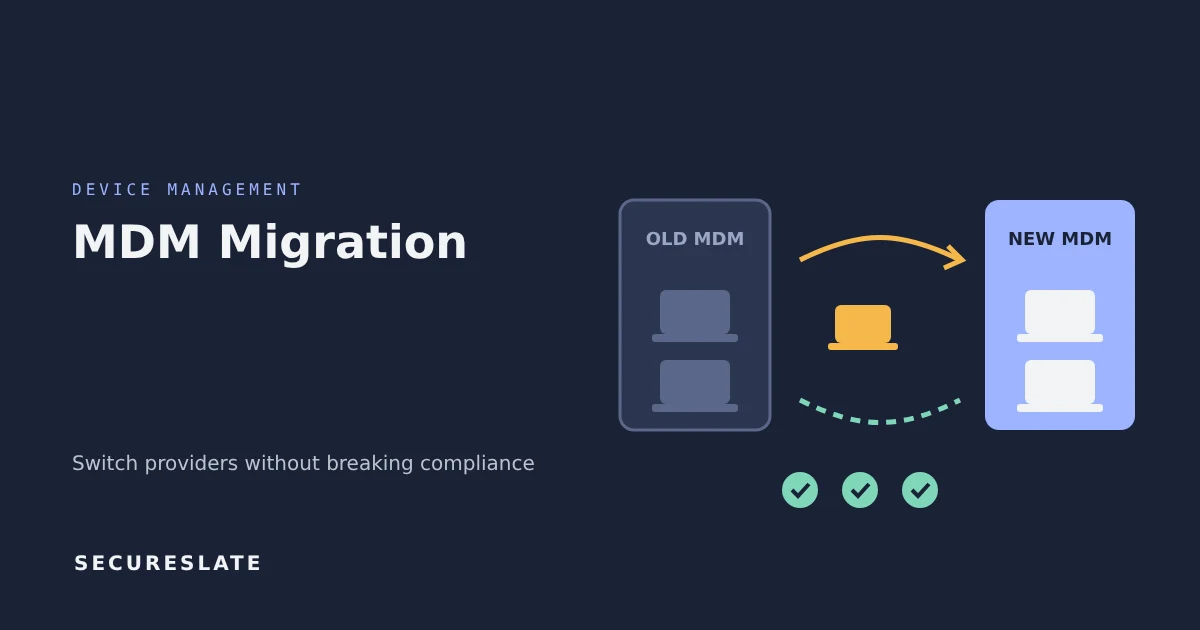
Short answer: To migrate MDM providers safely, rebuild your security baseline in the new platform first, pilot it on a small group, then move devices in waves while both systems run. Export evidence from the old MDM before you cancel it, and track every device until it reports encryption, patching and screen lock in the new tool.
Related guides:
- MDM device enrollment checklist for remote and hybrid teams
- Common MDM security check failures and how to fix them
- Free and low-cost MDM solutions
Key takeaways
- An MDM migration is a change to a key control. Treat it like one, with a plan, an owner, approvals and a rollback option.
- The biggest compliance risk is a gap: weeks where some laptops are in neither system and nobody can prove they are encrypted or patched.
- Recreate configuration profiles, compliance policies and app deployments in the new MDM before enrolling users, and test them on a pilot group.
- Export device inventories, encryption reports and compliance history from the old MDM before access ends. Auditors may ask for the full period.
- Finish with a reconciliation: every device in your asset inventory should be enrolled, compliant or formally retired.
Why does an MDM migration put compliance at risk?
Because your MDM is often the evidence source for several endpoint controls at once, and a migration can interrupt all of them at the same time.
For a typical SMB, the MDM proves that laptops have disk encryption enabled, OS updates applied, a screen lock set, a firewall on and endpoint protection running. It also feeds your asset inventory and supports offboarding through remote lock and wipe. SOC 2 auditors test these as part of logical access and system operations controls. ISO 27001 maps them to Annex A controls such as 8.1 user endpoint devices. HIPAA risk analyses rely on them to show ePHI on devices is protected.
During a migration, three things tend to go wrong:
- Coverage gaps. Devices are removed from the old MDM before they are enrolled in the new one.
- Baseline drift. The new platform is configured slightly differently, so a setting such as the screen-lock timeout quietly changes.
- Lost history. The old vendor contract ends and the compliance history for the first part of the audit period goes with it.
What should you decide before moving a single device?
Decide scope, timing, baseline and ownership up front, because each one is hard to change mid-migration.
| Decision | Questions to answer |
|---|---|
| Scope | Which platforms (macOS, Windows, iOS, Android, Linux)? Company-owned only, or BYOD too? |
| Timing | Does the cutover fall inside an audit period? Can it finish before fieldwork? |
| Baseline | Which settings are mandatory, and what are the exact values (encryption, OS version, lock timeout, firewall)? |
| Enrollment method | Zero-touch through automated enrollment, or user-initiated? |
| Ownership | Who owns the migration, who approves the change and who signs off on completion? |
| Rollback | What happens if the new platform fails the pilot? |
| Contract overlap | How long can you keep the old MDM running in parallel? |
Write the baseline down as a short table in your endpoint security policy. It becomes the yardstick for the pilot and gives auditors a clear statement of what "compliant" means.
How does migration work on each platform?
Each operating system handles a change of MDM differently, so plan the user experience per platform.
macOS and iOS
- Company-owned Apple devices registered in Apple Business Manager (or Apple School Manager) can be reassigned to the new MDM server there. Starting with iOS 26, iPadOS 26 and macOS 26, Apple added an option to migrate devices assigned through Apple Business Manager (Automated Device Enrollment) to a new MDM server without erasing them, with a migration deadline you set. See Apple's guide to migrating managed devices to another device management service, check its requirements for your devices (such as enrollment type and supervision), and confirm both MDM vendors support the flow.
- Devices on older OS versions, or not registered in Apple Business Manager, usually need the old management profile removed and a fresh enrollment, which can require user action.
- Plan how FileVault recovery keys will be escrowed in the new MDM. Some tools rotate the key at enrollment.
Windows
- Devices are typically unenrolled from the old MDM and enrolled into the new one, often during a sign-in to the new identity provider.
- If you use automated provisioning, update device registrations and deployment profiles so reset or new devices land in the new tool.
- Confirm BitLocker recovery keys are backed up in the new system before removing the old one.
Android
- Work profiles on personal devices can usually be removed and recreated by the user with little disruption.
- Fully managed company devices generally require a factory reset to change management. Schedule these with users and back up data first.
Linux
- MDM support varies widely. Many teams rely on an agent or configuration management instead. Confirm how the new tool will report encryption and patch status before you commit.
The phased MDM migration checklist
Use these phases in order. Do not start a phase until the previous one is signed off. The pilot and wave sizes below are starting points to adjust for your fleet, not fixed rules.
Phase 0: Prepare
- Export the full device inventory from the old MDM, with serial numbers, owners and OS versions
- Export current compliance and encryption reports, plus history for the audit period
- Record the current baseline settings and compare them with policy
- Open a change record and get approval
Phase 1: Build
- Connect the new MDM to your identity provider and asset inventory
- Recreate configuration profiles and compliance policies from the documented baseline
- Set up app deployment for endpoint protection and required tools
- Configure recovery key escrow for FileVault and BitLocker
Phase 2: Pilot
- Move 5 to 10 devices across each platform, including at least one IT admin
- Verify every baseline setting reports correctly in the new console
- Test remote lock and wipe on a test device
- Collect feedback on the enrollment steps and fix the instructions
Phase 3: Migrate in waves
- Move devices by team or region, 10 to 20 percent at a time
- After each wave, compare the new MDM's device list with the inventory export
- Follow up daily on devices that have left the old MDM but not reported in the new one
Phase 4: Reconcile and close
- Confirm every device is enrolled and compliant, or retired with documentation
- Take a final export from the old MDM, then remove admin access and cancel the contract
- Update the asset inventory, endpoint policy and system description to name the new tool
- Close the change record with the reconciliation attached
How do you keep audit evidence continuous?
Keep both tools' evidence for the full audit period and document the handover date, so an auditor can see coverage from start to end.
A SOC 2 Type II audit tests controls over an observation period, not a single day, so if you switched MDM halfway through, the auditor will want evidence from both systems. ISO 27001 surveillance audits sample your ISMS rather than testing a fixed window, but auditors can still ask how endpoint controls were maintained during the change. Practical steps:
- Store exports outside the old vendor. Save device lists, compliance reports and configuration exports in your evidence repository with dates.
- Write a short migration memo. Note the dates, the waves, any devices that were temporarily out of compliance and what you did about them.
- Keep the baseline identical. If you tighten a setting during the move, record the change and the approval.
- Update related documents. Your system description, data flow diagrams and vendor list should name the new MDM provider. Add the new vendor to your vendor risk process.
- Re-test offboarding. Run one device offboarding end to end in the new tool so you have fresh evidence that remote lock and wipe work.
Mistakes that create audit exceptions
Most exceptions come from small process misses rather than technical failures.
- Cancelling the old contract first. You lose the history auditors need and any devices that never re-enrolled.
- Trusting the default policies. New tools ship with defaults that rarely match your written policy.
- Forgetting recovery keys. A laptop that cannot be unlocked after a forgotten password becomes a business continuity issue.
- Ignoring remote staff. Devices that are rarely online drift out of both systems. Chase them early.
- Skipping the vendor review. Your MDM can see and act on every device, so its security and data handling deserve a proper assessment.
How SecureSlate helps
Where your MDM tools have a SecureSlate integration, SecureSlate pulls device data into one asset inventory, so you can see which devices have enrolled in the new tool and compare that list with your inventory export to find the ones that are missing. Endpoint check results for encryption, OS updates, screen lock and firewall from integrated sources are stored against your SOC 2 and ISO 27001 controls, which you can review alongside your exports from the old tool. See how SecureSlate MDM and compliance work together. Vendor risk management helps you assess the new MDM provider as a critical vendor.
FAQ
How long does an MDM migration take?
It varies with fleet size, platforms and how many devices are remote. As a rough planning assumption rather than a benchmark, a company with a few hundred devices might allow six to twelve weeks from build to reconciliation. Most of that time goes into the pilot and chasing the last few remote devices, not the technical setup.
Do we need to wipe Macs to change MDM providers?
Not always. Apple devices assigned through Apple Business Manager (Automated Device Enrollment) and running iOS 26, iPadOS 26 or macOS 26 or later can be migrated to a new MDM server without erasing, subject to Apple's requirements (such as enrollment type and supervision) and support from both MDM vendors. Older devices, or devices that were enrolled manually, may need the old profile removed and a new enrollment, and some setups still require a reset.
Should we migrate during a SOC 2 audit period?
You can, but plan for it. Keep exports from both systems, document the cutover dates and make sure no device goes without coverage. If you have a choice, finishing the migration before the period starts makes the audit simpler.
What happens to devices that never re-enroll?
Treat them as a risk until resolved. Contact the user, and if the device cannot be reached, follow your lost device process, revoke its access in the identity provider and mark it in the asset inventory.
Disclaimer (legal note)
This article is for general information only and is not legal, regulatory or professional advice. Requirements vary by framework, industry and jurisdiction. Consult qualified advisors for your specific obligations.
Need compliance without the complexity?
SecureSlate automates ISO 27001, SOC 2, GDPR, HIPAA, and more. Built for growing teams. See it in action.
Find compliance gaps in 30 seconds
