
Questionnaire Automation
Answer security questionnaires in an afternoon, not a fortnight
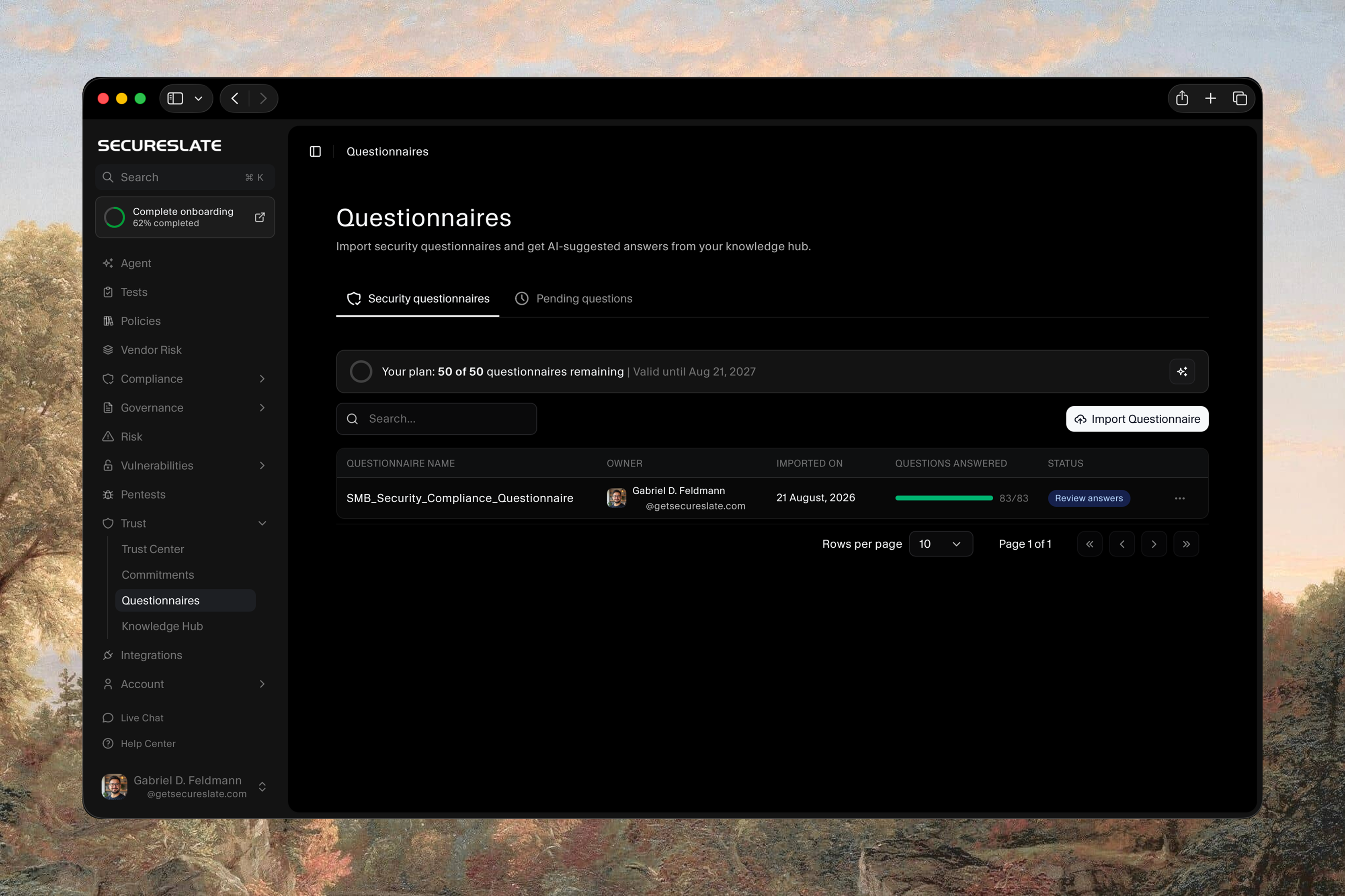
Import the questionnaire a customer sent you and SecureSlate drafts an answer to every question from your own policies and documents. Your team reviews what it wrote, approves it, and exports the finished response.
Why questionnaires hurt
The answers already exist. Finding them is the job.
They arrive when the deal is closing
A security review lands late in the sales cycle with a deadline attached. The work is not hard, it is just long, and it sits between your buyer and their signature.
The knowledge is scattered
The answer to any given question is in a policy, a past response, or somebody's head. Assembling it means chasing the two people who know, and they are busy doing their actual jobs.
Every buyer asks the same things differently
The same handful of questions about access control, encryption, and vendor management arrive in a new spreadsheet each time, so the work never quite becomes reusable on its own.
Let the answers write themselves
Import the questionnaire, get a drafted answer to every question from your own documents, review, and send.
Import the Questionnaire You Were Sent
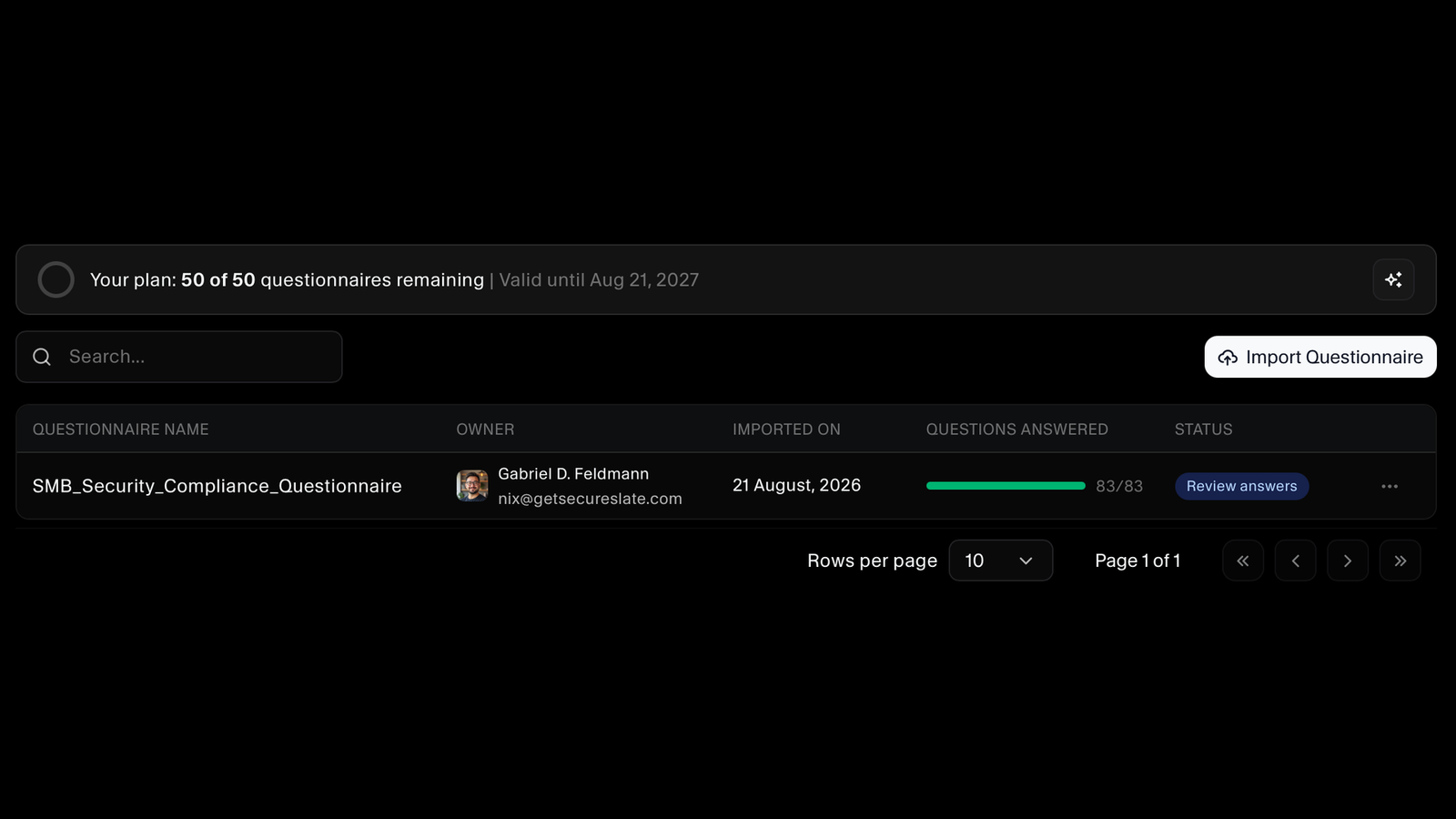
Upload the questionnaire a customer or prospect sent over and SecureSlate reads the questions out of it. Every questionnaire is listed with who owns it, when it came in, and how far through it is, so nothing sits forgotten in an inbox while a deal waits.
Answers Drafted From Your Own Documents
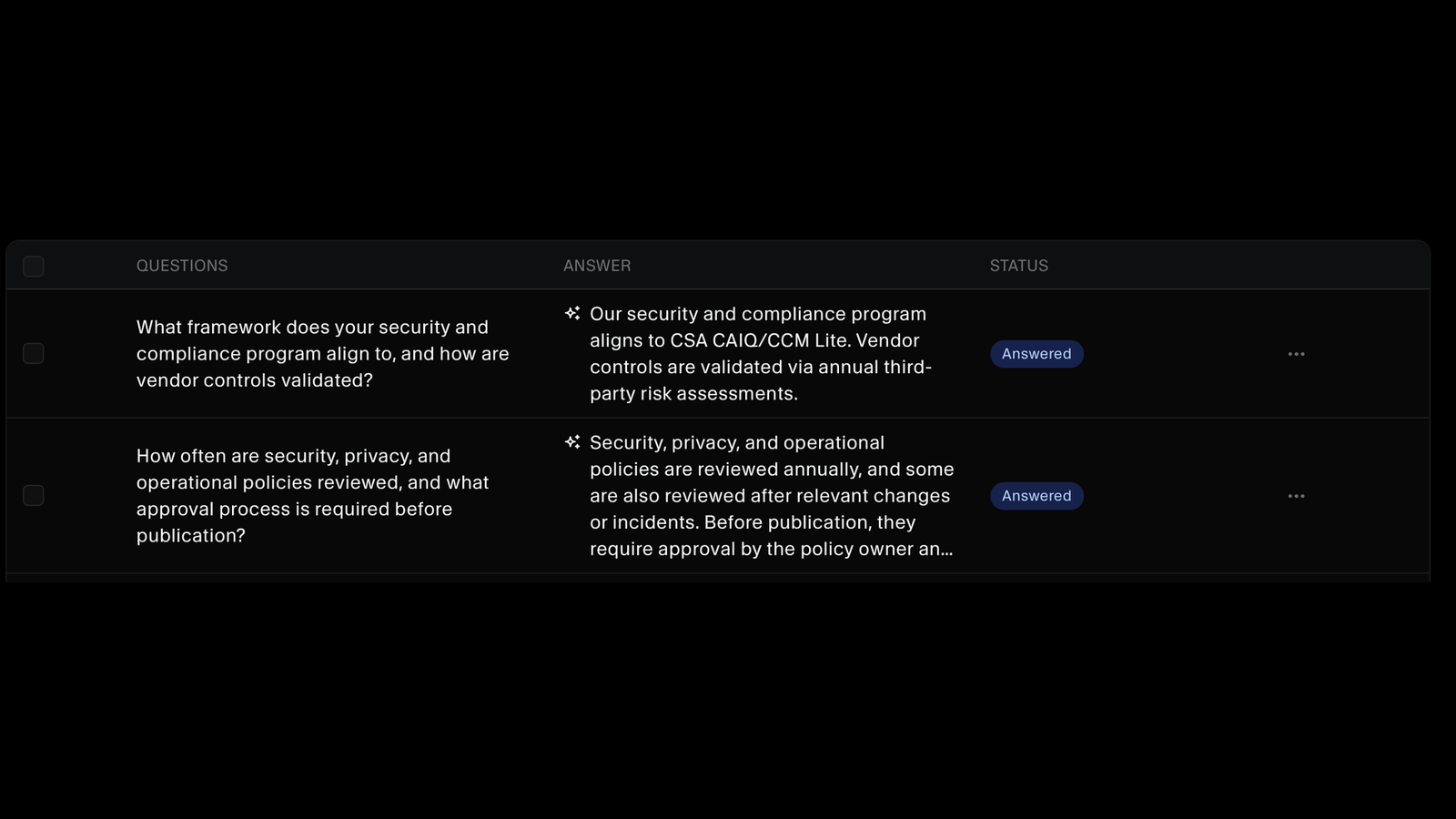
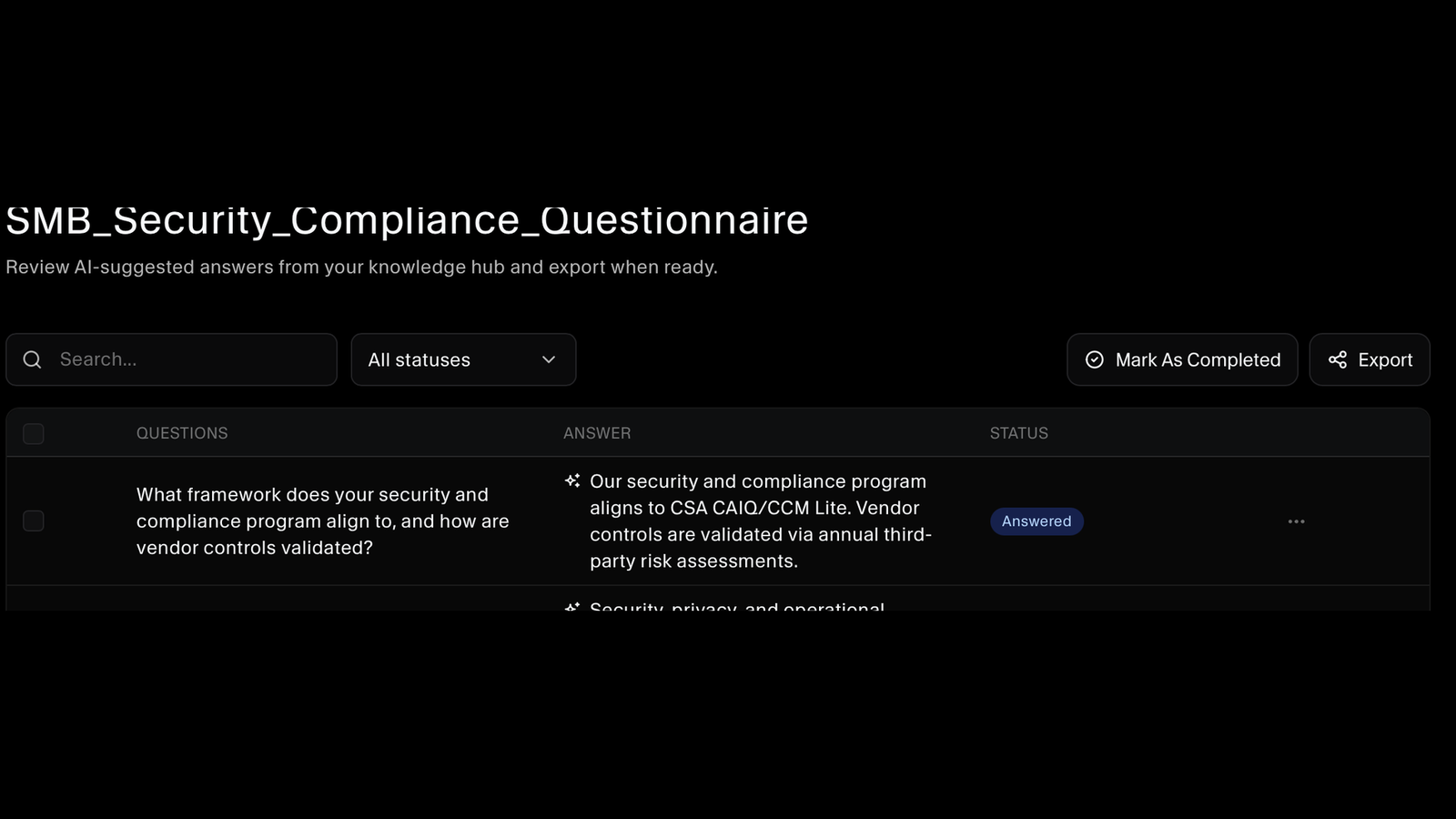
SecureSlate AI answers each question using the documents in your knowledge hub, so the response reflects your actual policies rather than a generic template. Answers come back written in full, question by question, ready for a person to check rather than compose.
Watch Every Question Get Answered
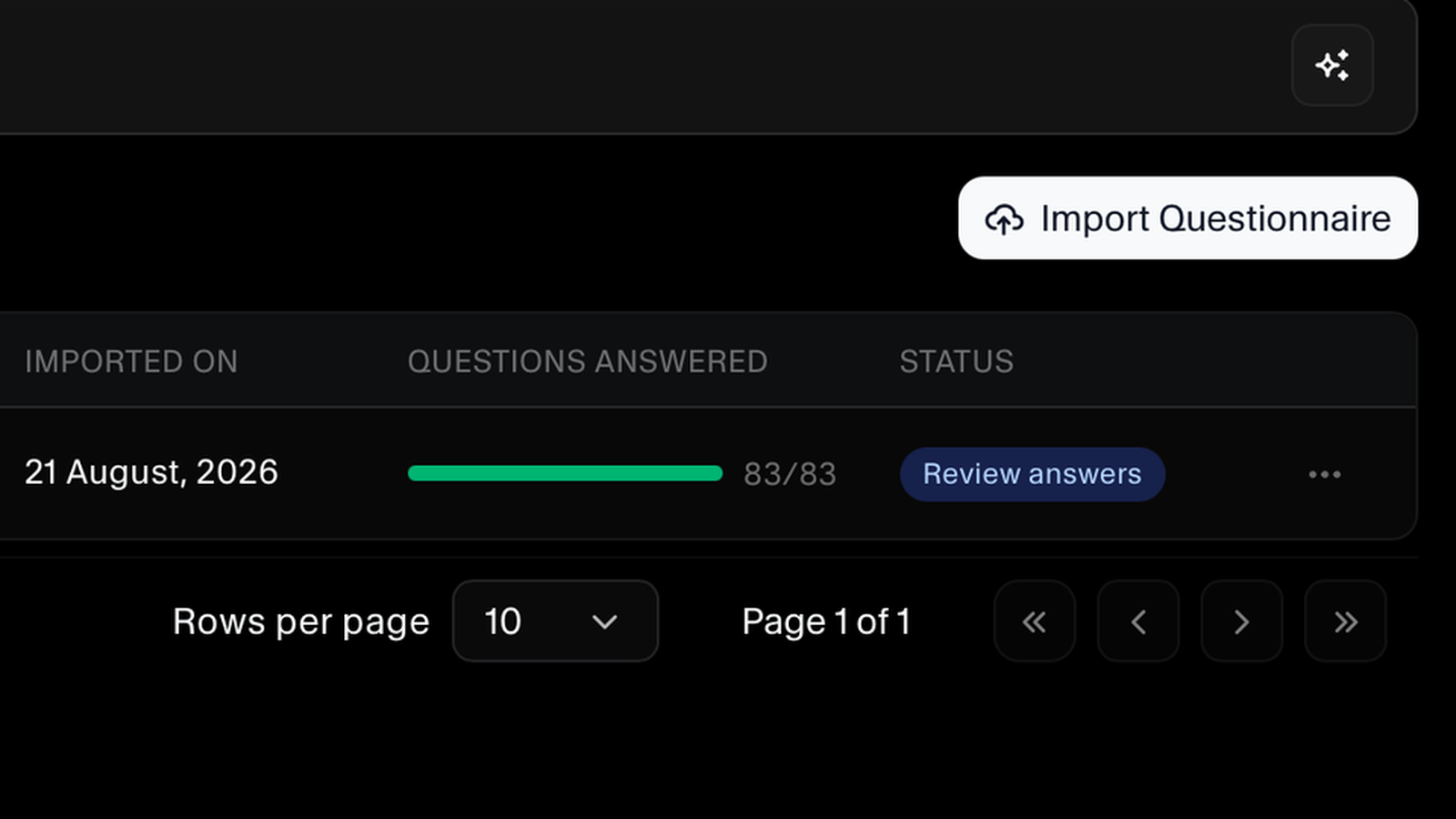
Each questionnaire shows how many of its questions are answered against the total, so a hundred-question review stops being an unknown quantity. When the count is complete, the questionnaire moves to review rather than sitting in someone's drafts.
Review, Approve, and Export
Nothing goes out without a person seeing it. Work through the answers, filter by status to find what still needs attention, edit anything that needs your own wording, then mark the questionnaire completed and export the finished response to send back.
One Knowledge Hub Behind Every Answer
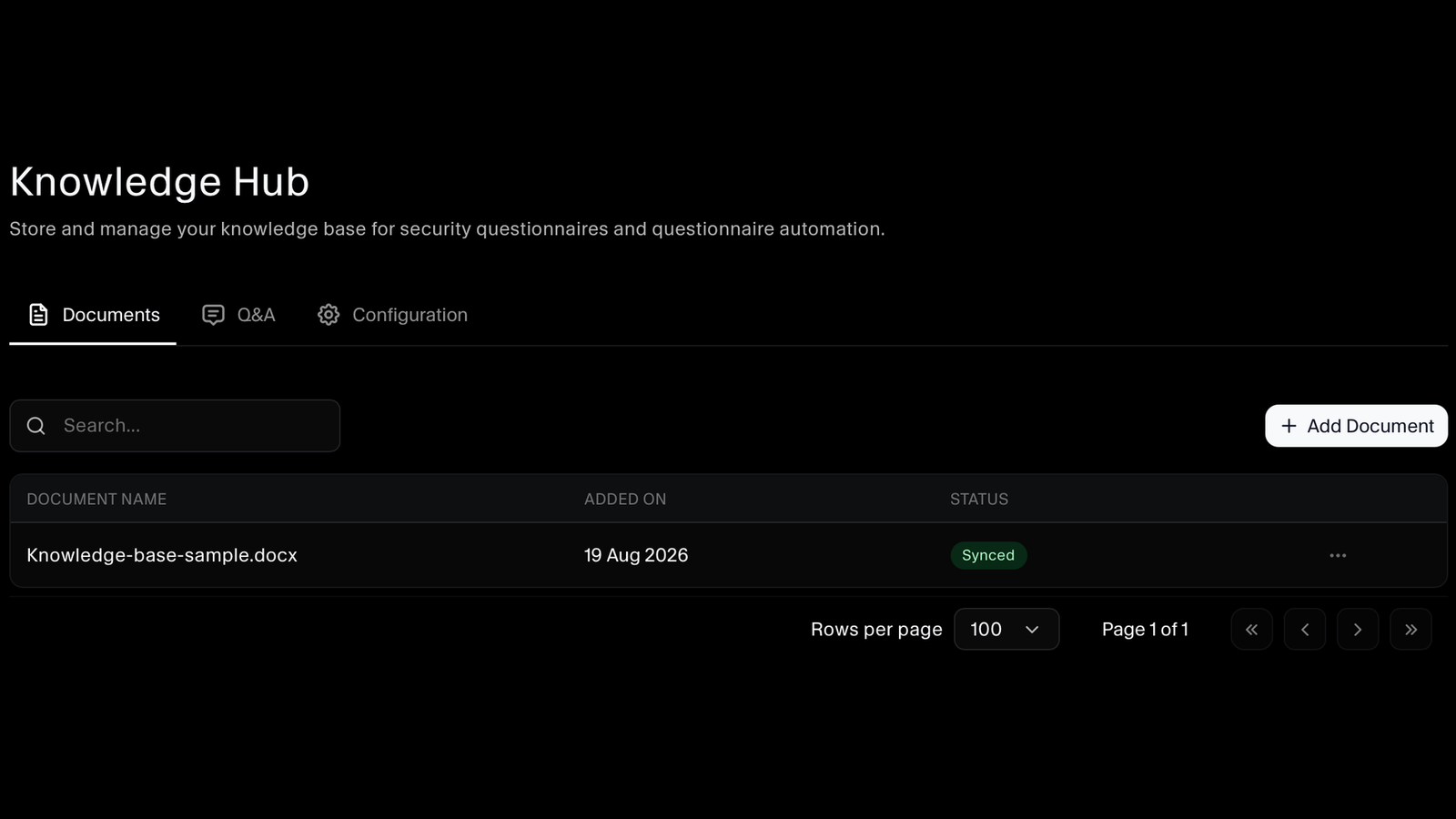
Add the documents your answers should come from and SecureSlate keeps them as the source it draws on. Each document shows when it was added and whether it is synced, so you know what the AI is actually working from rather than guessing.
Sync Your Policies In for Better Answers
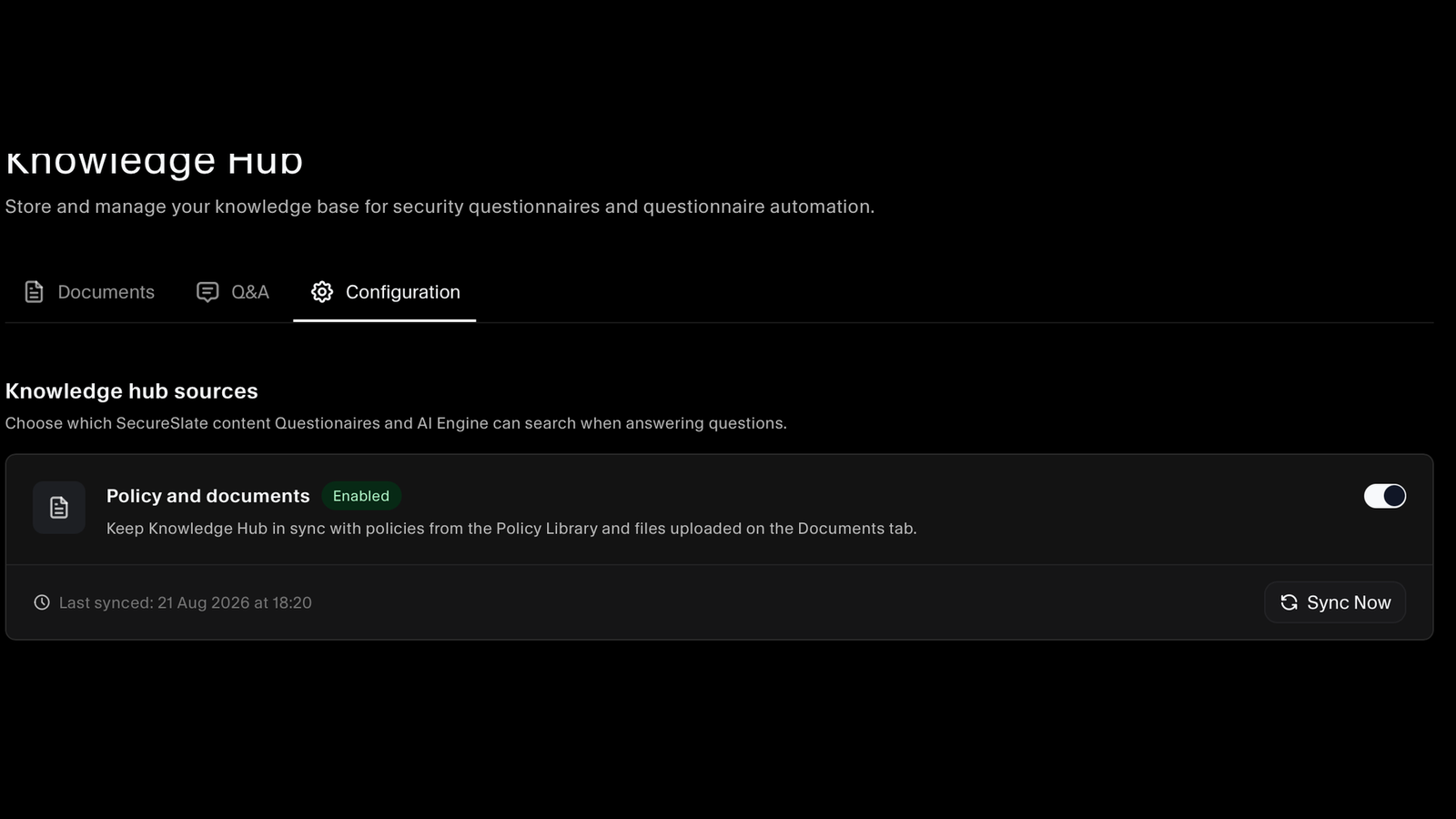
Turn on policy sync and your knowledge hub stays current with the policies in your policy library alongside the files you upload. The more of your real compliance content the hub can search, the better the answers get, for questionnaires and for the AI engine both.
FAQs
Questionnaire questions answered.
From your knowledge hub. You add the documents your answers should be based on, and SecureSlate AI searches them when drafting each response. The answers reflect your own policies and evidence, which is why they read like your company rather than a template.
It is the knowledge base behind questionnaire automation. You upload documents to it, and you can turn on a source that keeps it in sync with the policies in your policy library and the files on its documents tab. Anything in the hub is searchable by both questionnaires and the AI engine when they answer a question.
Yes. The AI can only answer from what it can search. A hub containing just a couple of uploads gives thinner answers than one kept in sync with your full policy library, so switching the sync on is the single easiest way to improve response quality.
No. Every answer is a suggestion until a person approves it. You review the questionnaire, edit anything that needs your own wording, and mark it completed when you are satisfied. The export happens after that, not before.
Each questionnaire shows how many questions are answered out of the total, and each question carries its own status. You can filter by status to find what still needs attention, so an eighty-question review is a visible piece of work rather than a black box.
Each one is assigned to an owner and listed with them, along with when it was imported. That means a questionnaire has a name against it from the moment it arrives, instead of being everybody's problem and therefore nobody's.
Yes. Once you have reviewed the answers and marked the questionnaire completed, export it and send it back to whoever asked. The finished response leaves the platform in a form you can hand over.
They are surfaced as pending rather than filled with a guess. That keeps the questions genuinely needing a human in one place, instead of buried among the ones that were already handled.
The same policies and documents that support your SOC 2 or ISO 27001 program are what answers the questionnaire. Keeping your compliance work current and answering customer security reviews stop being two separate jobs done from two separate sets of documents.
Get your next questionnaire off your desk
Import a security questionnaire and see how much of it SecureSlate can answer from your own policies and documents.
