
Vendor Risk
Track, tier, and review every vendor in one register
SecureSlate detects the third parties your business actually runs on, tiers them by risk level, and drives the due diligence each one genuinely needs. An enrichment agent researches the vendor and fills in its profile, and nothing reaches the record until your team approves it.
Why vendor risk matters
Your security posture is now the sum of everyone you buy from.
Their breach becomes your breach
A vendor holding your customer data carries your blast radius without carrying your controls. When it goes wrong, your incident response begins whenever they decide to tell you, and your customers ask you about it either way.
Nobody has the full list
Tools get bought on a card by whoever needed one that afternoon. The register in the spreadsheet was accurate on the day somebody wrote it, and the gap between that list and reality grows every quarter.
Reviewing everything equally reviews nothing well
Treating a payroll processor like a font CDN spreads the same effort across both. The vendor that could actually hurt you gets the same fifteen minutes as the one that cannot, and the depth goes to whichever arrived first.
From unknown vendor to reviewed vendor
Find what you are really using, tier it by risk, and let the agent do the research while your team keeps the decision.
One Register for Every Third Party
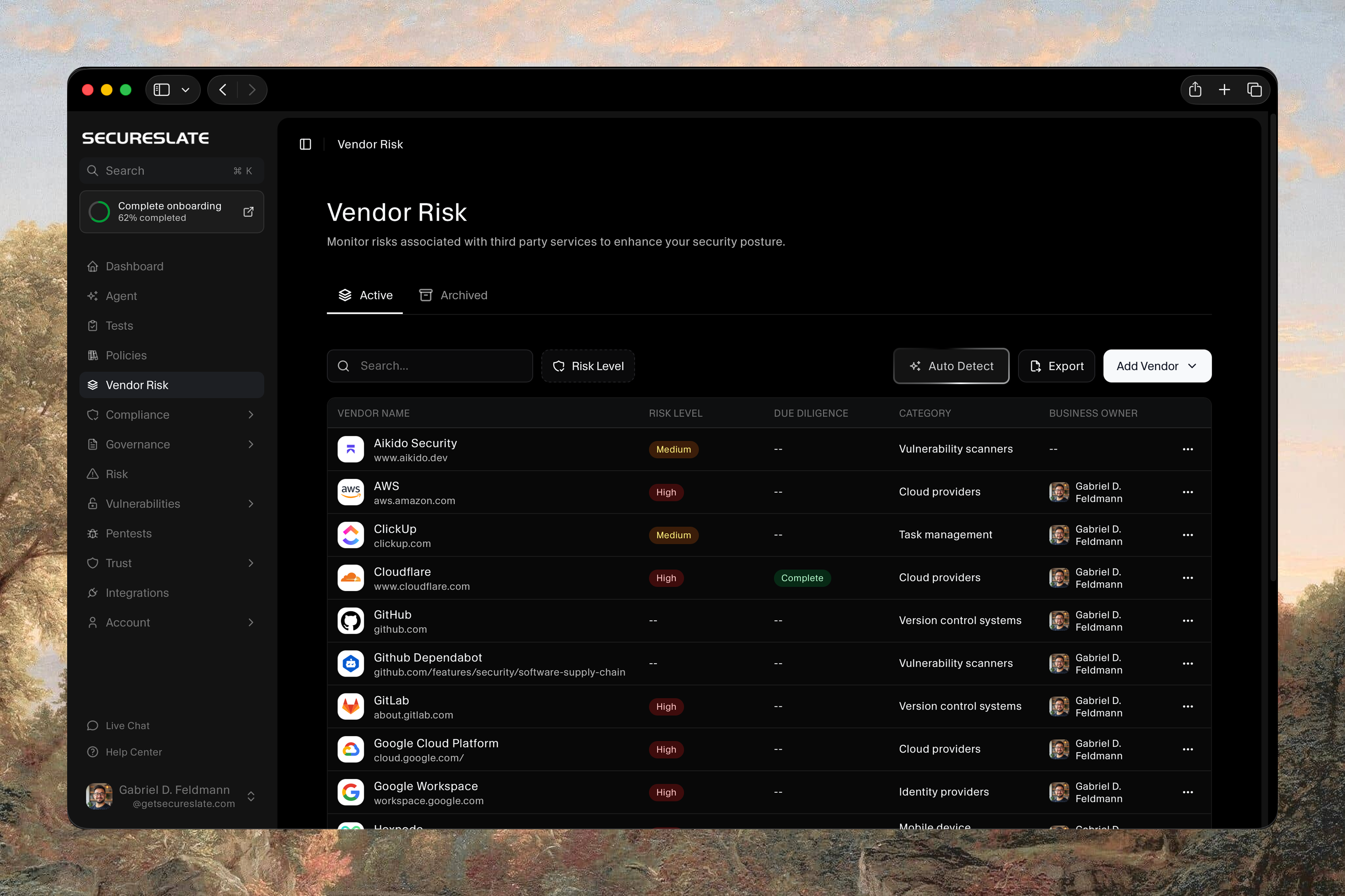
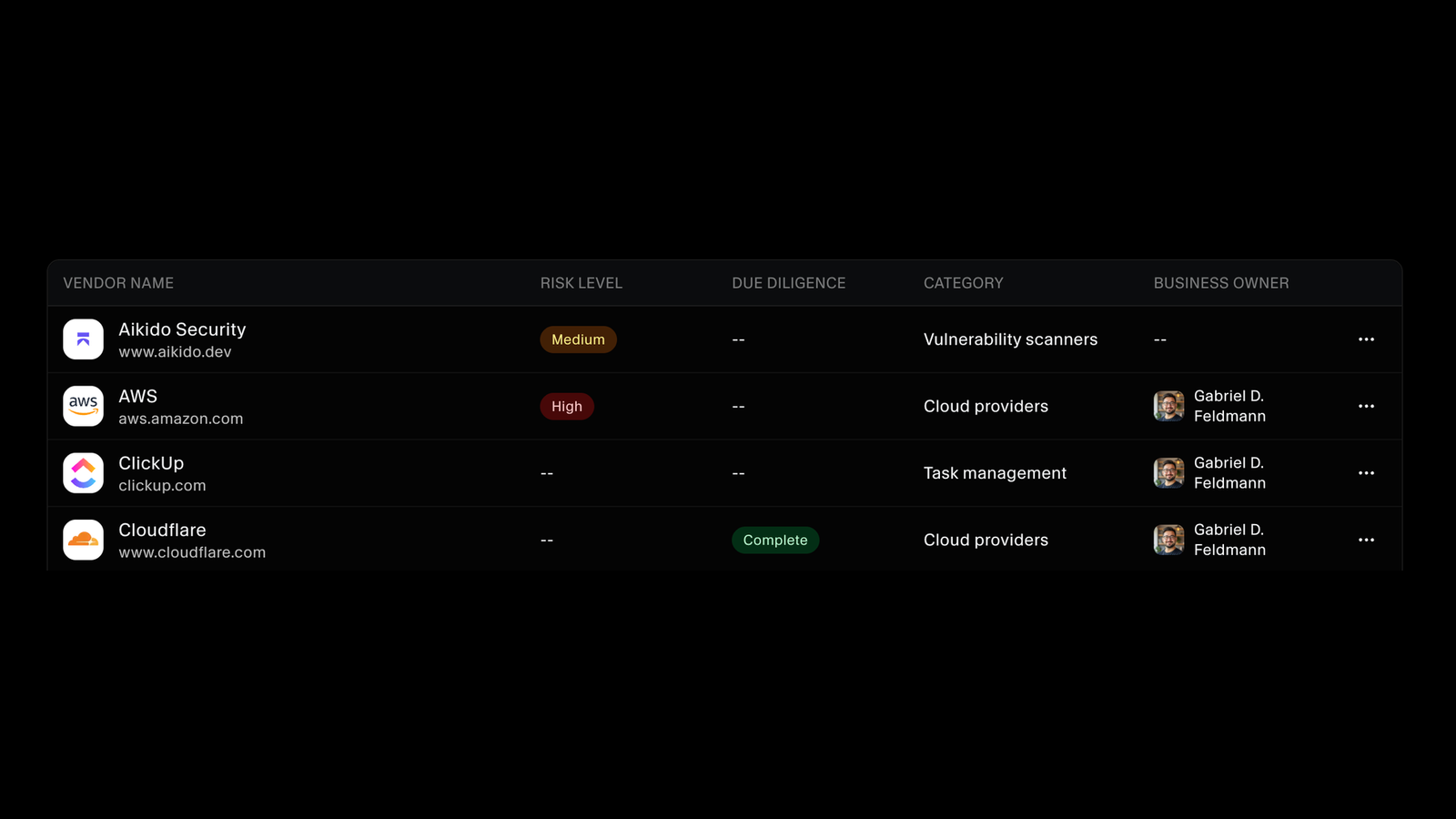
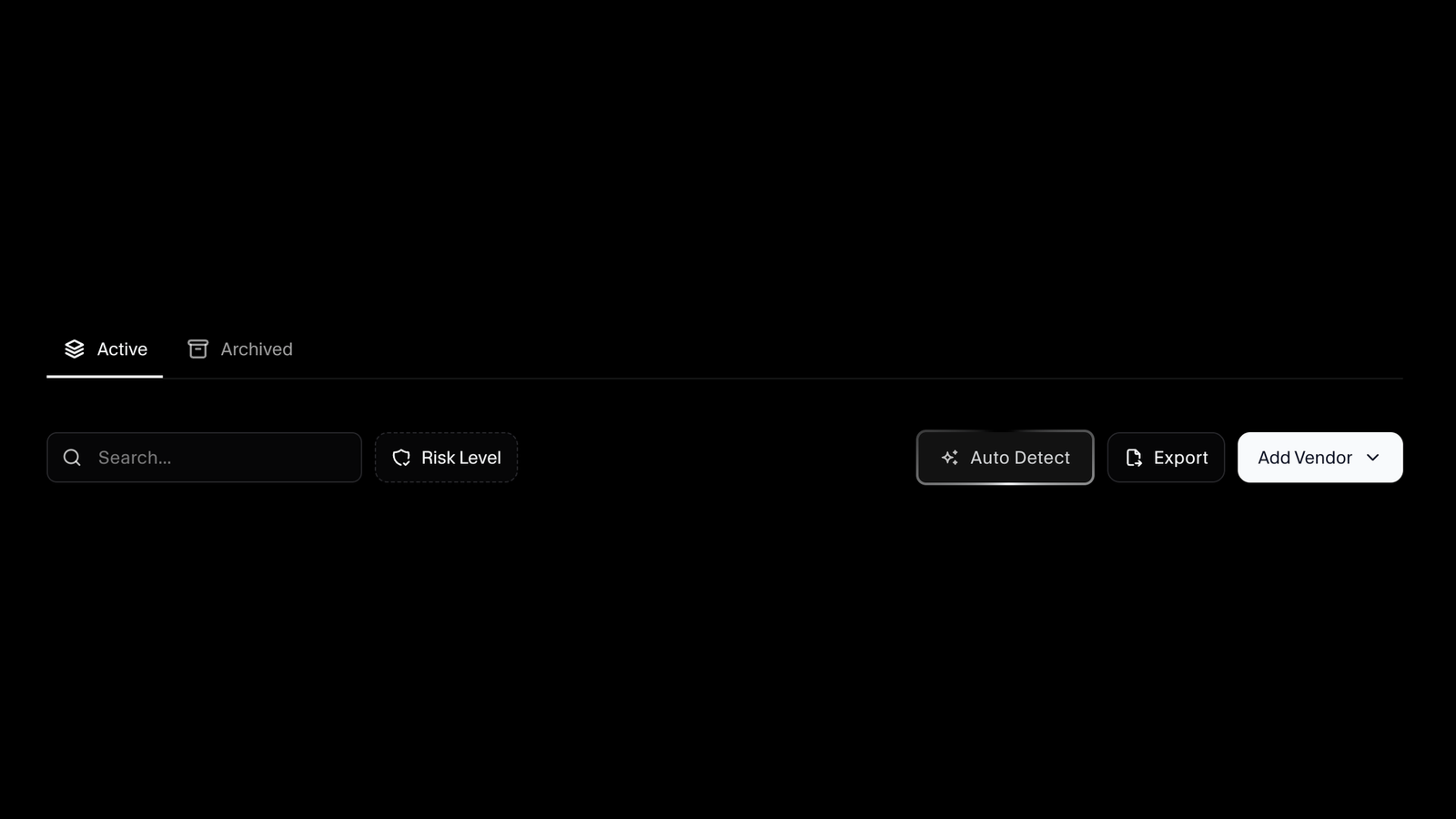
Every vendor sits in a single list with its risk level, due diligence status, category, and business owner visible at a glance. Search it, filter by risk level, and move between active and archived vendors, so the services you have stopped using stay on the record without crowding the ones you still depend on.
Find the Vendors Nobody Told You About
Auto Detect scans your domain for the third-party services you are already using, and connecting a tool on the integrations page creates its vendor entry for you. Bring the rest in by importing a spreadsheet or adding them by hand, and export the whole register whenever somebody asks to see it.
Three Views of Every Vendor
Each vendor opens on its own record. An overview covers who they are and who owns them, a due diligence tab holds the review and its documents, and a security report grades their domain from the outside across website, email, DNS, and encryption checks, returning a letter rating with the failures broken out by category.

Let the Agent Do the Research
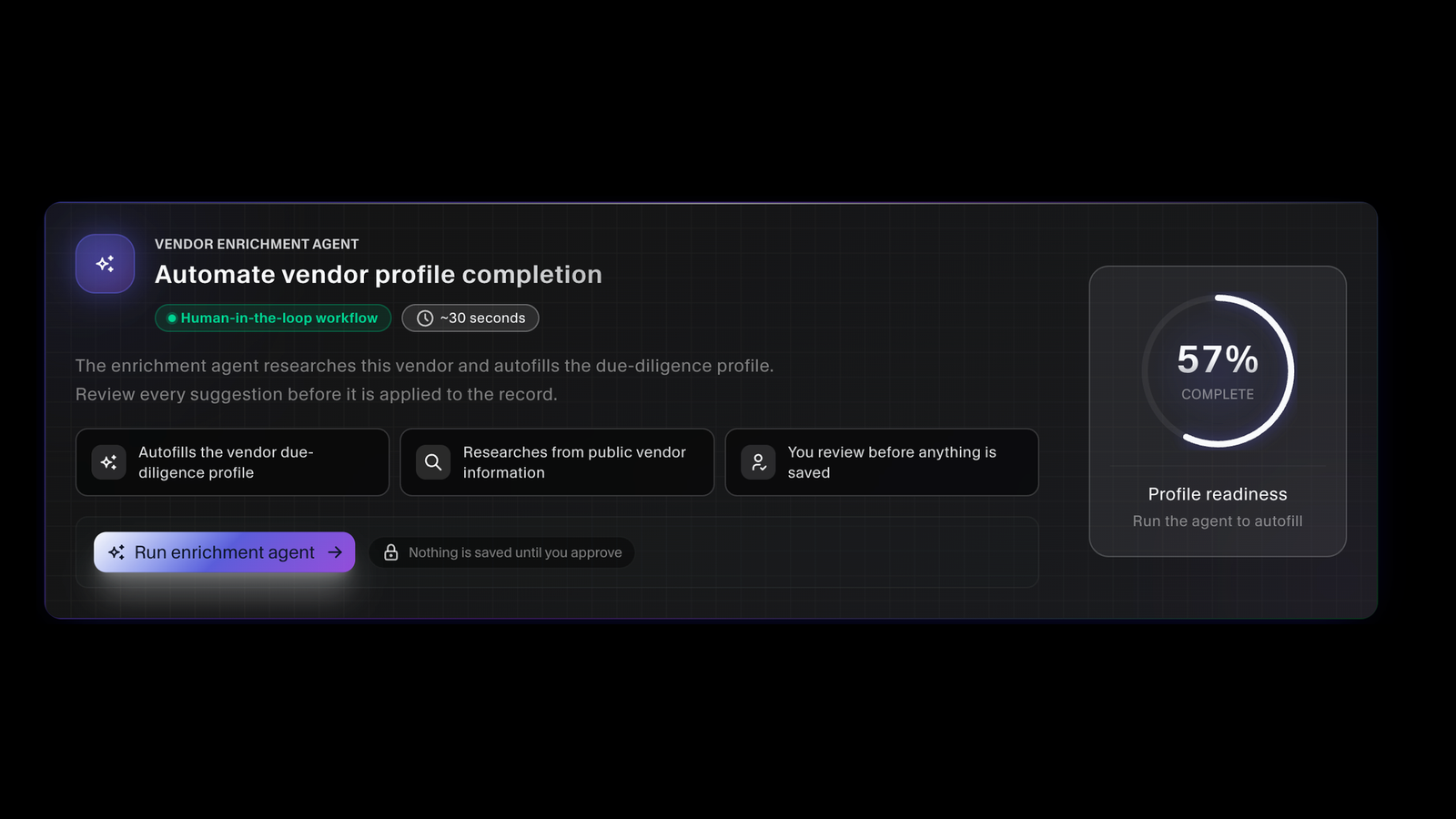
The vendor enrichment agent researches a vendor from public information and autofills its due diligence profile in about thirty seconds. It is a human-in-the-loop workflow, so you review every suggestion and nothing is saved until you approve it. A profile readiness score shows how complete each vendor record is.
Somebody Owns Every Vendor
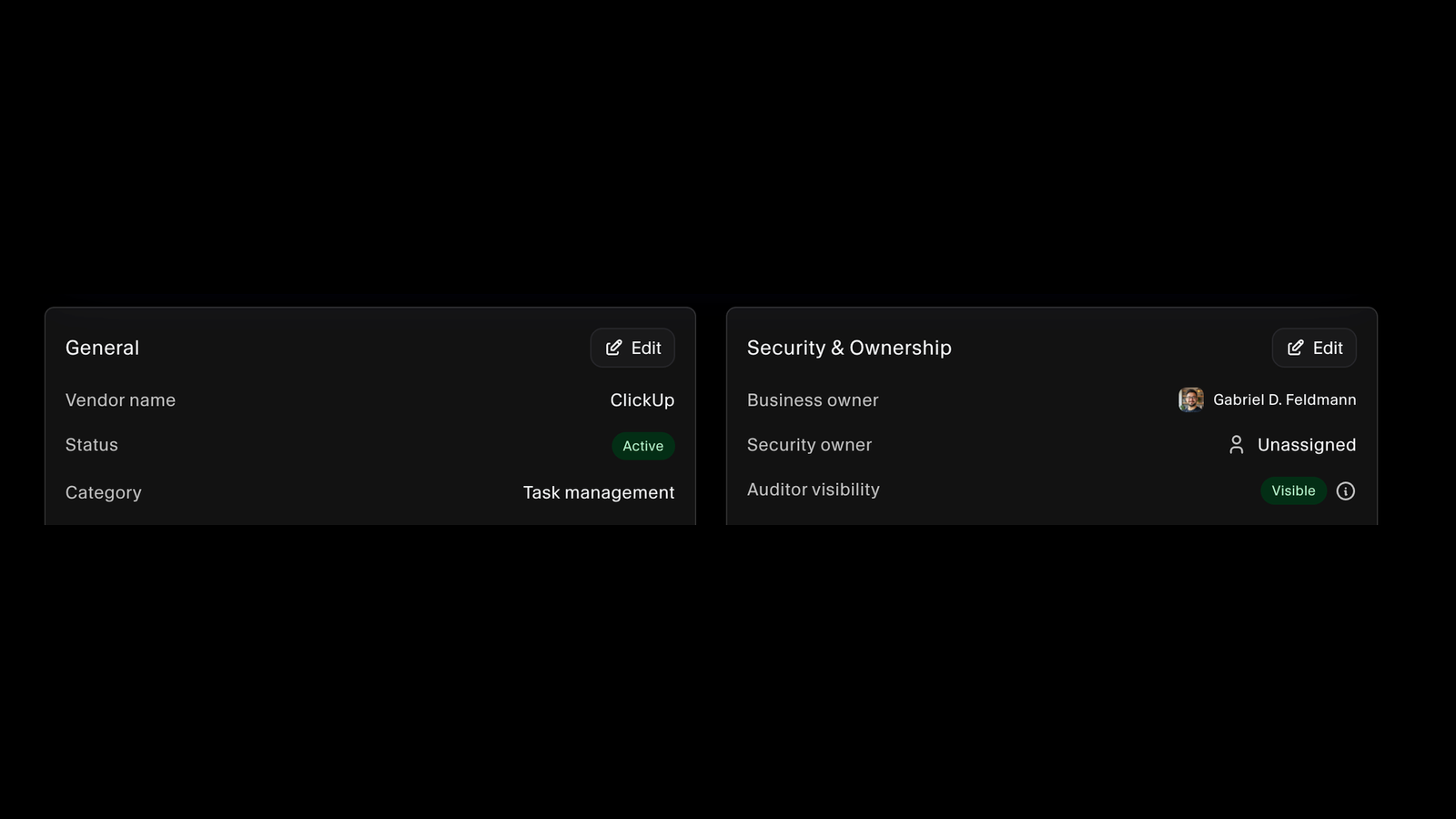
Each record carries a business owner for the relationship and a security owner for the review, so both have a name against them rather than being everybody's problem. Auditor visibility is set per vendor, which means the register your auditor reads is the one your team maintains, not a copy exported the week before fieldwork.
Diligence in Proportion to Risk
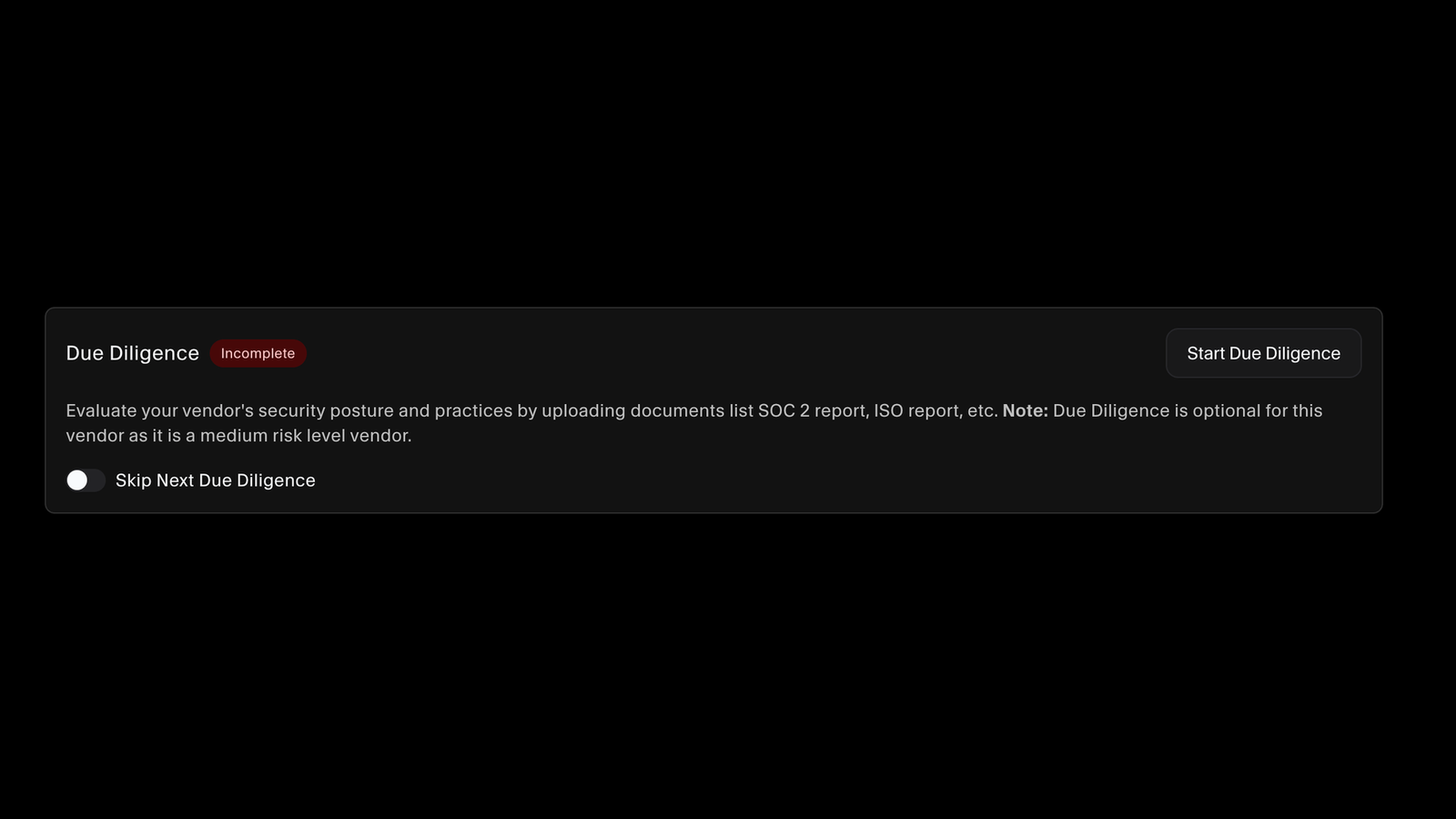
Due diligence is required where the risk level demands it and optional where it does not, so a medium-risk tool stops consuming the effort a high-risk one deserves. Hold the SOC 2 report, ISO certificate, DPA, and trust center link against the vendor, or skip the next review deliberately and on the record.
Resources
Read up before you build the program.
Practical guides to third-party risk, from tiering your vendors to reading a SOC 2 report and offboarding without leaving access behind.
FAQs
Vendor risk questions answered.
It is the practice of knowing which third parties your business depends on, understanding what each one could expose if it failed or was breached, and doing a review proportionate to that exposure. It is also called third-party risk management, or TPRM. Auditors ask for it under SOC 2, ISO 27001, GDPR, and HIPAA, because a control you have outsourced is still a control you are accountable for.
Four ways. Connecting a tool on the integrations page creates its vendor entry automatically. Auto Detect scans your domain for third-party services you are already using. You can bulk import an existing list with the vendor template, and you can add a single vendor by hand. Most teams use all four, because each one catches vendors the others miss.
It scans your organisation's domain for the integrations and services associated with it, then shows you what it found so you can add the ones that belong on the register. It is the fastest way to close the gap between the vendor list you wrote down and the vendors you are really paying for.
No. It researches the vendor from public information and proposes values for the due diligence profile, and every suggestion waits for a person. Nothing is saved to the record until you approve it, which is why it is described in the product as a human-in-the-loop workflow rather than an autofill.
From what the vendor touches and how much you rely on it. You record the data types it stores or processes, such as confidential company information, customer data, or cardholder and patient information, how users authenticate to it and whether two-factor is in place, and your operational reliance if it went down. Risk level is set from that and refined as due diligence teaches you more.
No, and that is the point. Due diligence is required where the vendor's risk level calls for it and marked optional where it does not, so the review effort follows the exposure. You can also skip the next scheduled review on a vendor deliberately, which leaves a decision on the record rather than a gap nobody can explain later.
The evidence a review actually rests on: SOC 2 reports, ISO certificates, and similar assurance documents, plus the vendor's trust center link and your data processing agreement. Keeping them on the vendor record means the next review, and the next auditor, starts from what you already collected.
Yes. Auditor visibility is a setting on each vendor, so you control exactly which records are exposed. Because the auditor reads the live register rather than an export, the list they review is the one your team keeps current instead of a snapshot that aged the moment it was produced.
An outside-in assessment of the vendor's own domain, run on demand and grouped by category across website security, email, DNS, encryption, and more. It returns a SecureSlate security rating as a letter grade and a score, counts of the checks that passed, failed, and came back informational, and the failures broken out by category so you can see where the weakness actually sits. Export it, or generate it again whenever you want a current view.
No, and that is the point of the security report. Documents such as a SOC 2 report describe what a vendor says it does, and the outside-in assessment measures what its domain actually exposes today. The two answer different questions, which is why a vendor record holds both rather than treating either one as the whole review.
Archive them. They move off the active list but stay on the record in the archived tab, along with the reviews and documents you collected while the relationship was live. That history is what lets you answer a question about a vendor you dropped two years ago.
Vendor management is an explicit requirement in both, and in GDPR and HIPAA as well. Running it in the same platform as your policies, controls, and evidence means the register, the owners, and the diligence records are already where your auditor is looking, instead of in a spreadsheet somebody has to find and explain.
See which vendors you are actually running on
Run Auto Detect against your domain and get the third-party services in your stack into one register, tiered by risk and visible to your auditor.
