
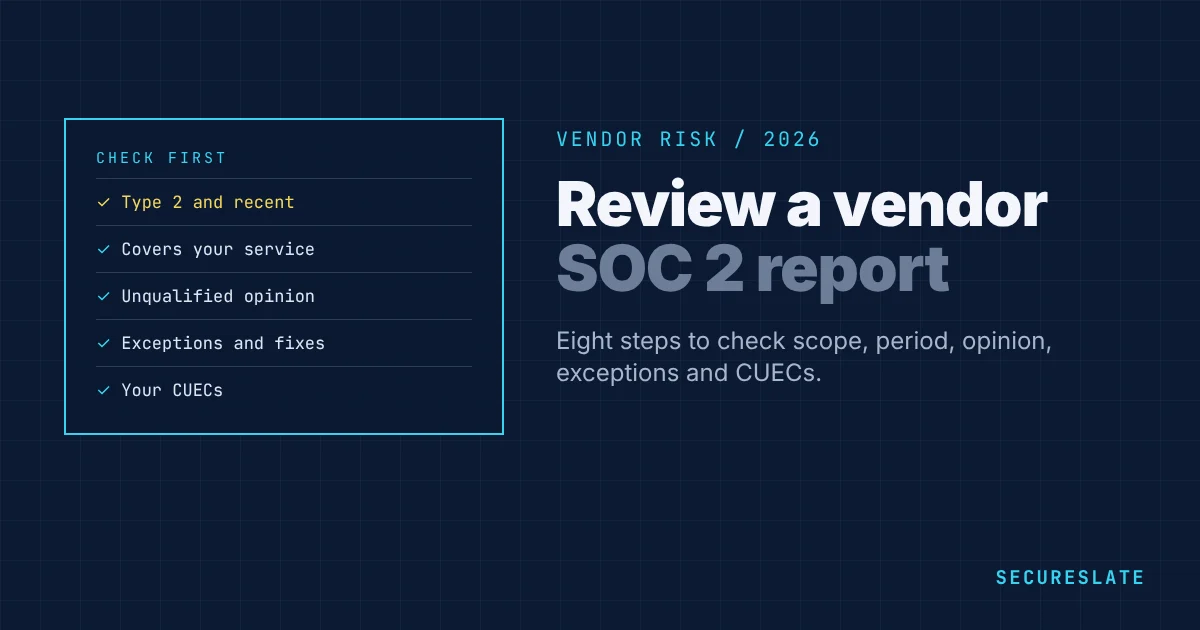
Knowing how to review a SOC 2 report from a vendor turns a 100-page PDF into a clear decision. Most vendor reviews only need you to check a handful of sections: who issued it, what it covers, the period, the auditor's opinion, any exceptions, and what the vendor expects you to do yourself. This guide walks through each step and gives you a checklist to record your review.
Related guides: Vendor risk assessment · SOC 2 audit exceptions · SOC 2 bridge letters · Decoding a SOC 2 report example
Key takeaways
- Confirm the report is SOC 2 Type 2, covers the services you use, and its period ended recently, ideally within the last 12 months.
- Read the auditor's opinion first. An unqualified opinion is the norm. A qualified or adverse one needs follow-up.
- Check exceptions in the test results and whether management's response fixes them.
- Note the complementary user entity controls (CUECs). They are the controls you must run for the vendor's controls to work.
The structure of a SOC 2 report
| Section | What it contains | What to look for |
|---|---|---|
| Section 1: Auditor's report | The CPA firm's opinion | Opinion type, period, criteria covered |
| Section 2: Management's assertion | Management states the description is fair and controls were effective | Signed and consistent with the opinion |
| Section 3: System description | Services, infrastructure, people, data, processes, subservice organizations, CUECs | Scope matches what you buy |
| Section 4: Tests of controls and results | Each control, the auditor's test and the result | Exceptions and management responses |
| Section 5 (optional): Other information | Management's comments not audited | Context only, not assurance |
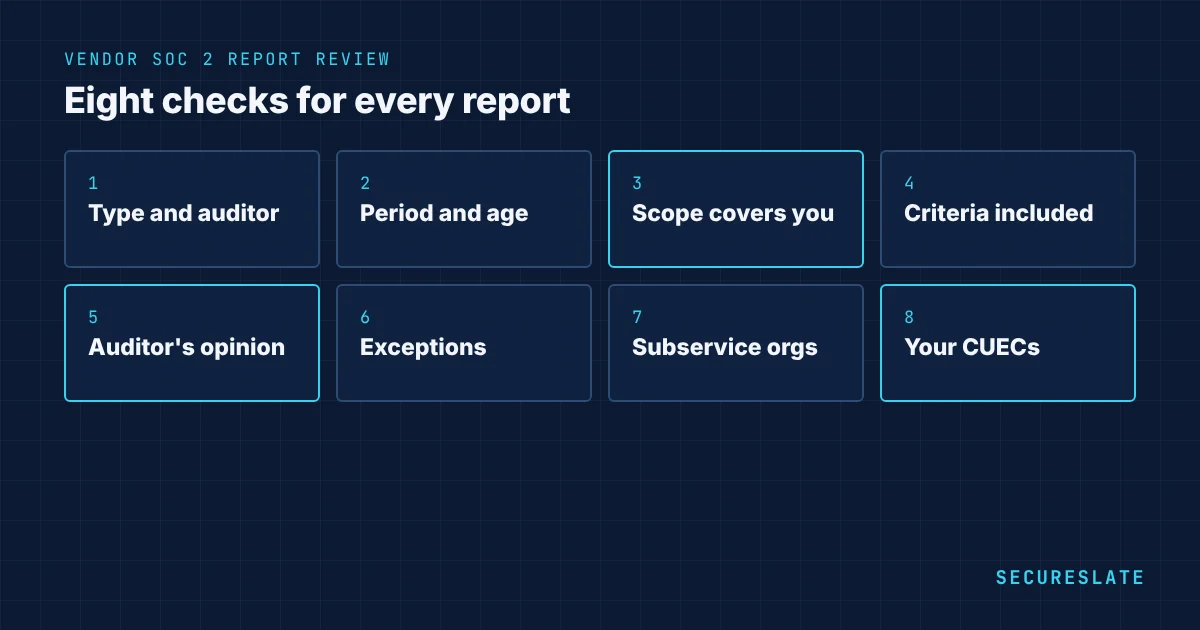
How to review a SOC 2 report in 8 steps
1. Check the report type and auditor
Type 2 tests controls over a period and is what you want for critical vendors. Type 1 only tests design on a date. Note the CPA firm. A licensed firm must issue SOC 2 reports.
2. Check the period and its age
The audit period is usually 3 to 12 months. If it ended more than three months ago, ask for a bridge letter covering the gap. A report whose period ended more than a year ago is stale; ask when the next one is due.
3. Confirm the scope covers your services
Read the system description. Does it include the product, regions and infrastructure you use? A vendor might audit its core platform but not the add-on module you rely on.
4. Check which Trust Services Criteria are included
Security is always present. If you rely on uptime, look for Availability. If you share confidential data, look for Confidentiality. See SOC 2 Trust Services Criteria.
5. Read the opinion
- Unqualified: controls were suitably designed and operated effectively. The normal result.
- Qualified: one or more criteria were not met. Find out which and why.
- Adverse or disclaimer: serious problems or the auditor could not form an opinion. Escalate before approving.
6. Review exceptions and management responses
In Section 4, search for "exception" or "deviation". For each, ask: does it affect the data or service I use, is it a high-risk area such as access or change management, did management fix it, and did it happen last year too? See SOC 2 audit exceptions.
7. Check subservice organizations
Most vendors rely on others, such as a cloud provider. The report states whether those subservice organizations are carved out, meaning not tested in this report, or inclusive. For carved-out ones, check the vendor monitors them, and consider asking for their reports if they are critical.
8. Note your complementary user entity controls
CUECs are controls the vendor assumes you perform, such as managing your users' access, enabling MFA, protecting API keys, or reviewing audit logs. List them and confirm you do them. They become part of your own control set.
SOC 2 report review checklist
| Item | Record |
|---|---|
| Vendor and service reviewed | Name, product, data shared |
| Report type and CPA firm | Type 2, firm name |
| Audit period | Start and end dates; bridge letter if needed |
| Scope matches our use | Yes or no, with notes |
| Criteria covered | Security plus any others |
| Opinion | Unqualified, qualified, adverse |
| Exceptions | Number, areas, management response quality |
| Subservice organizations | Carved out or inclusive; critical ones noted |
| CUECs | List, and owner on our side |
| Decision | Approve, approve with conditions, reject; next review date |
Worked example
Imagine you review the SOC 2 report of a customer support platform before giving it access to support tickets that contain customer names and emails.
- Type and period: Type 2, January 1 to December 31 last year. It is now March, so you request a bridge letter for January to March.
- Scope: covers the ticketing platform and its EU and US regions. You use the EU region. Good.
- Criteria: Security and Availability. Confidentiality is not included, but Security covers the access controls you care about.
- Opinion: unqualified.
- Exceptions: one. A quarterly access review was completed two weeks late. Management added automated reminders. Low risk.
- Subservice organizations: the cloud provider is carved out. You already hold its reports.
- CUECs: customers must enable SSO, manage agent permissions and rotate API keys. You assign these to your IT lead.
- Decision: approve, with SSO enabled before go-live and a DPA signed. Next review in 12 months.
SOC 2 reports and your own audit
Your auditor will ask how you manage vendors. Keeping a short, dated review like the one above for each critical vendor, with the report on file and the CUECs mapped to your controls, is usually exactly the evidence they want for SOC 2 CC9.2 and ISO 27001 Annex A 5.19 to 5.22.
Red flags
- The report does not mention the product or region you use
- Period ended more than 12 months ago and no newer report is promised
- Qualified opinion in Security or access-related criteria
- Repeated exceptions from the previous year
- Critical subservice organizations carved out with no evidence of monitoring
- Vendor refuses to share the report even under NDA
When a SOC 2 report is not available
Smaller vendors may not have SOC 2. Alternatives include an ISO 27001 certificate with its Statement of Applicability, a recent penetration test summary, a completed security questionnaire, a CAIQ, or a call with their security lead. Match the depth to the vendor's risk tier.
How SecureSlate helps
SecureSlate vendor risk management stores vendor SOC 2 reports with their periods, opinions, exceptions and CUECs, reminds you when a report expires, and links CUECs to your own controls as audit evidence.
FAQ
How long should a SOC 2 report review take?
For a familiar report format, 30 to 60 minutes is enough for most vendors. Critical vendors with exceptions or carved-out subservice organizations take longer.
Can we accept a SOC 2 Type 1 report?
For low or medium risk vendors, often yes. For critical vendors, prefer Type 2, or accept Type 1 with a commitment to Type 2 and a date.
What is a bridge letter?
A letter from the vendor's management covering the period between the end of the audit period and today, stating whether there have been material changes to controls.
What are CUECs in a SOC 2 report?
Complementary user entity controls are controls the vendor expects its customers to run, such as managing their own users. If you do not run them, the vendor's controls may not protect your data as described.
Should we review the SOC 2 reports of our vendors' vendors?
Only for critical subservice organizations that are carved out of your vendor's report and handle your data. Otherwise, confirm your vendor monitors them.
What if a vendor's SOC 2 report has no exceptions at all?
That is common and positive, but still check the scope, period and CUECs. A clean report on the wrong product or an old period gives little assurance.
How do we store reviewed SOC 2 reports?
Keep them in a restricted location with the review record, since most are shared under NDA, and note the date the next report is due.
Disclaimer (legal note)
This article is for general information only and is not legal, regulatory, or professional advice. Requirements vary by framework, industry, and jurisdiction. Consult qualified advisors for your specific obligations.
Need compliance without the complexity?
SecureSlate automates ISO 27001, SOC 2, GDPR, HIPAA, and more. Built for growing teams. See it in action.
Find compliance gaps in 30 seconds
