
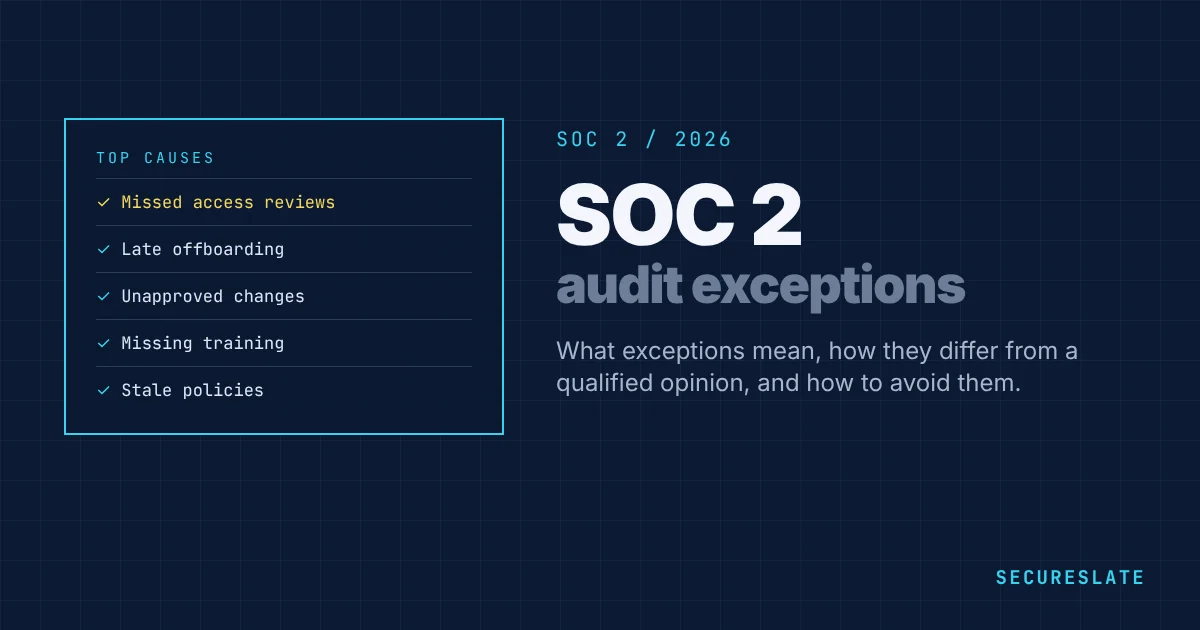
SOC 2 exceptions are the findings an auditor records when a control did not operate as described during the audit period. They appear in Section 4 of a Type 2 report, where customers can read them. A few minor exceptions are common and rarely block a deal, but repeated or serious ones raise questions. This guide explains what exceptions mean, how they differ from a qualified opinion, and how to avoid them.
Related guides: How to prepare for a SOC 2 audit · SOC 2 evidence collection · SOC 2 Trust Services Criteria
Key takeaways
- An exception (also called a deviation) means the auditor found a case where a control did not work as designed or described.
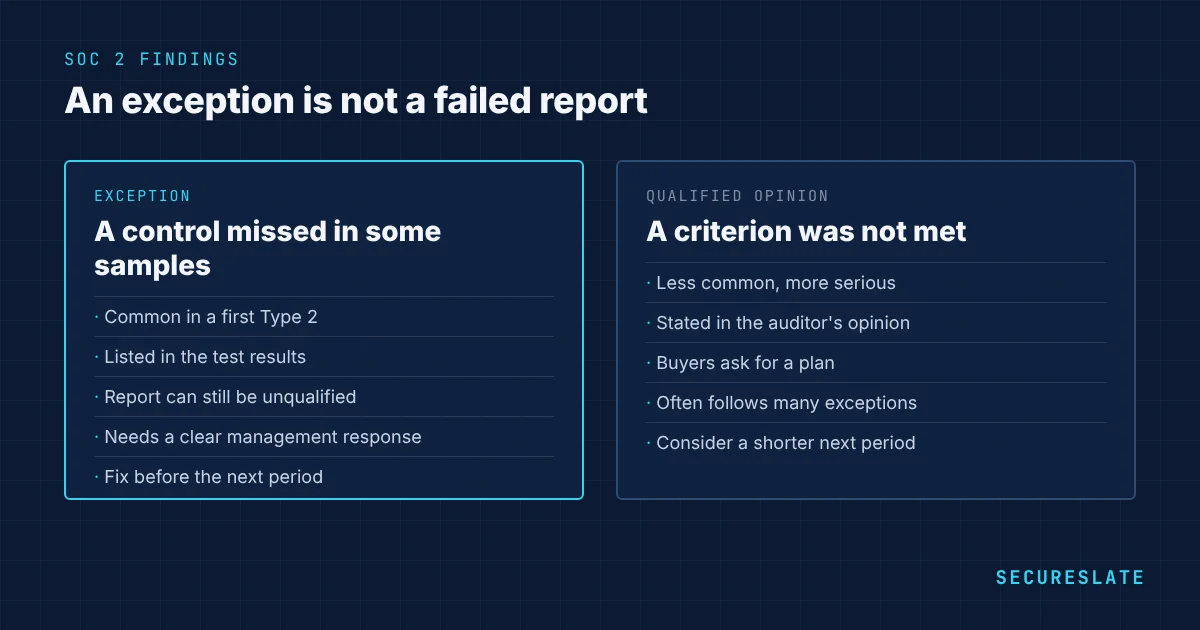
- Exceptions are not the same as a qualified opinion. Most reports with a few exceptions still carry an unqualified, or clean, opinion.
- The most common causes are missed access reviews, late offboarding, unapproved changes and missing training.
- Always include a management response explaining the cause and the fix. Customers read it.
What is a SOC 2 exception?
In a Type 2 audit, the auditor tests samples of each control across the observation period. If a sample shows the control did not operate, for example a new hire who started before their background check finished, the auditor records an exception. The report lists the control, the test performed, and the result, such as "1 of 25 samples tested did not have evidence of approval."
Exceptions appear in Type 2 reports because they test operation over time. Type 1 reports test design only, so they rarely contain exceptions.
Exceptions vs a qualified opinion
| Exception | Qualified opinion | |
|---|---|---|
| What it is | A specific test result showing a control failed in some samples | The auditor's overall conclusion that one or more criteria were not met |
| How common | Common, especially in a first Type 2 | Less common |
| Impact | Usually manageable with a good management response | Serious. Many buyers will ask for a remediation plan or a new report |
| Where it appears | Section 4, test results | Section 1, the auditor's opinion |
A qualified opinion usually follows when exceptions are frequent or serious enough that a Trust Services Criterion was not achieved, for example when access was never removed for many leavers.
The most common SOC 2 exceptions
| Exception | Typical cause | Prevention |
|---|---|---|
| Access review not performed in a quarter | Calendar reminder missed, owner left | Automated reminders and a backup owner |
| Leaver access removed late | Tools outside single sign-on, no HR trigger | Offboarding tied to the HR system and SSO for every app |
| Change deployed without approval | Emergency fix or direct push to production | Branch protection and an emergency change process |
| Background check completed after start date | Late hire paperwork | Make the check part of the offer process |
| Security training not completed | New hires not enrolled, no follow-up | Training in onboarding with reminders |
| Vulnerabilities not fixed within SLA | No owner, no tracking | Ticket every finding with a due date |
| Vendor review not completed | No vendor inventory | Annual vendor review calendar |
| Policy not reviewed annually | Review date forgotten | Policy review reminders and approval records |
How to respond to an exception
- Understand the finding. Ask the auditor for the exact samples that failed and why.
- Find the root cause. Was it a one-off mistake, a gap in the process or a tool problem?
- Fix it. Correct the specific case, such as removing the leftover account, and fix the process so it does not recur.
- Write the management response. Keep it factual: what happened, the impact, and what you changed. The auditor includes it in the report.
- Show it working. The next audit period should show the fix operating. Repeat exceptions are what worry buyers most.
A good management response sounds like this: "The access of one former employee to a non-SSO tool was removed 12 days after departure. No activity was observed in that period. We have moved the tool behind single sign-on and added it to the offboarding checklist."
How customers read exceptions
Security reviewers look at three things: how many exceptions there are, whether they relate to high-risk controls such as access and change management, and whether management responded convincingly. One or two exceptions in low-risk areas with clear fixes rarely cause concern. Many exceptions in access control, or the same exception in consecutive reports, do.
How to avoid exceptions
- Automate recurring controls and their evidence wherever possible
- Give every control a named owner and a backup
- Check evidence monthly during the observation period, not at the end
- Run a readiness review before the period starts
- Write policies that describe what you actually do
- Start with a shorter Type 2 period, such as 3 months, if your controls are new
What to do if you receive a qualified opinion
A qualified opinion is rarer but needs a clear plan:
- Brief your customers before they ask. Explain which criterion was affected, why, and what you changed. Silence makes reviewers assume the worst.
- Fix the root cause quickly and document the change with dates.
- Consider a shorter follow-up period. Some companies run a 3 to 6 month Type 2 period after a qualified report so they can show clean results sooner.
- Offer extra evidence where it helps, such as a recent penetration test, a bridge letter covering the period since the fix, or a call with your security lead.
Exceptions and bridge letters
Customers often receive a report months after its period ended. A bridge letter, signed by your management, covers the gap between the end of the audit period and today. It should state whether there have been material changes to controls. If you fixed exceptions after the period ended, the bridge letter is a good place to say so, as long as it stays accurate. See our guide to SOC 2 bridge letters.
Exceptions in vendor reports you receive
The same logic applies when you review your own vendors. When a vendor's SOC 2 report has exceptions, check whether they affect the services you use, whether management responded with a real fix, and whether the same exception appeared the year before. Our guide on how to review a vendor's SOC 2 report walks through it.
Related guides:
How SecureSlate helps
SecureSlate monitors your SOC 2 controls continuously and alerts owners when a control fails, such as a leaver still active in a tool or a missed access review, so you can fix it before the auditor finds it. Access reviews are scheduled and recorded automatically.
FAQ
Is a SOC 2 report with exceptions a failure?
No. SOC 2 is not pass or fail. A report with a few exceptions and a clean opinion is common. A qualified or adverse opinion is the more serious outcome.
Where do exceptions appear in a SOC 2 report?
In the section describing the auditor's tests of controls and results, usually Section 4 of a Type 2 report, alongside management's responses.
Can we remove an exception from the report?
No. Once the auditor finds an exception, it is reported. You can explain it in a management response and show the fix in the next period.
How many exceptions is too many?
There is no fixed number. Reviewers worry more about exceptions in critical controls, such as access and change management, and about repeated exceptions than about the total count.
Do Type 1 reports have exceptions?
Rarely. A Type 1 report tests design at a point in time, so there are few samples to fail. Exceptions are mainly a Type 2 topic.
Should we tell customers about exceptions before they read the report?
For anything significant, yes. A short note explaining the exception and the fix builds trust and saves a round of questions.
Can a vendor's exceptions affect our own SOC 2?
Indirectly. If you rely on a vendor's control and their report shows it failing, assess the impact on your controls and record the decision as part of vendor management.
Do exceptions affect our next audit?
The next auditor will look at whether the fix worked. A repeat of the same exception is far more damaging than the original one.
Disclaimer (legal note)
This article is for general information only and is not legal, regulatory, or professional advice. Requirements vary by framework, industry, and jurisdiction. Consult qualified advisors for your specific obligations.
Need compliance without the complexity?
SecureSlate automates ISO 27001, SOC 2, GDPR, HIPAA, and more. Built for growing teams. See it in action.
Find compliance gaps in 30 seconds
