
Related guides:
- How to set up role-based access controls to stop insider threats
- How flawed offboarding escalates insider threats
- Free access review template
Key takeaways
- An insider threat is a risk that comes from someone with legitimate access: an employee, contractor, partner or former staff member.
- Insiders can be malicious, negligent or compromised. Most incidents are caused by mistakes or stolen credentials, not by bad intent.
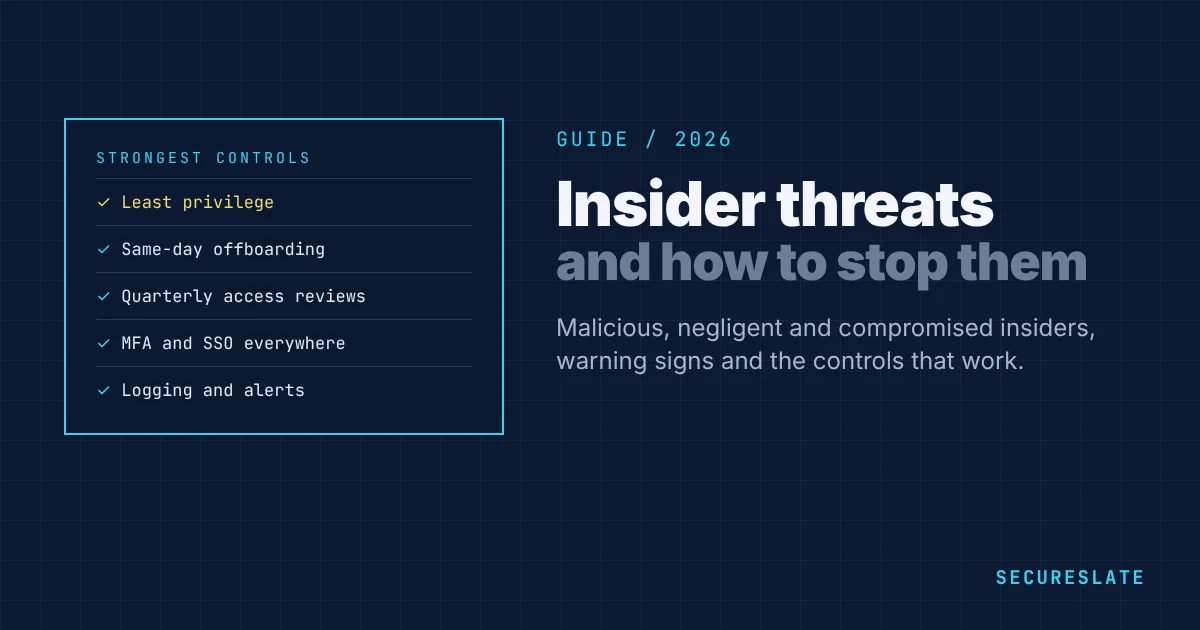
- The strongest defenses are basic and well run: least privilege, fast offboarding, access reviews, logging and training.
- Build a program that is proportionate and fair, with clear rules about monitoring and privacy.
What is an insider threat?
An insider threat is the potential for someone with authorized access to your systems, data or premises to cause harm, on purpose or by accident. Because insiders already have access, many perimeter defenses do not stop them. The damage can include data theft, fraud, sabotage, leaks of confidential information or a breach caused by a careless mistake.
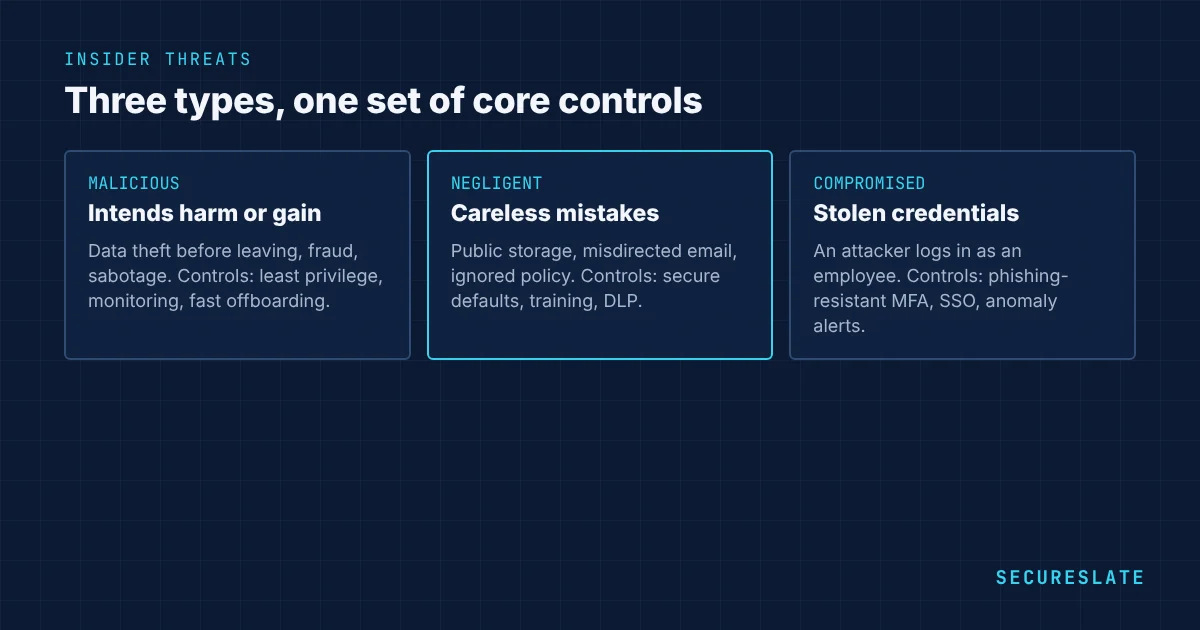
The three types of insider threat
| Type | Description | Example |
|---|---|---|
| Malicious | Intends to cause harm or gain personally | A departing salesperson downloads the customer list to take to a competitor |
| Negligent | Causes harm through carelessness or ignoring policy | An engineer leaves a storage bucket with customer data publicly accessible |
| Compromised | An outsider uses the insider's stolen credentials | An attacker phishes an admin's password and logs in as them |
Compromised accounts blur the line between insider and external threats, which is why the same controls defend against both.
Warning signs
No single sign proves anything, but patterns are worth reviewing:
- Large downloads or exports, especially shortly before someone leaves
- Access to systems or data unrelated to the person's role
- Logins at unusual times or from unusual locations
- Attempts to disable security tools or bypass controls
- Forwarding company data to personal email or storage
- Repeated policy violations after reminders
- Access that was never removed after a role change
Treat alerts as questions to investigate fairly, not as accusations.
Controls that prevent and detect insider threats
Least privilege and role-based access. Give people only the access their role needs, and remove standing admin access where possible. See our guide to role-based access control.
Fast, complete offboarding. Remove all access on the last day, tied to the HR system so nothing is missed, including SaaS tools outside single sign-on.
Regular access reviews. Review who has access to critical systems at least quarterly, and remove what is no longer needed.
Strong authentication. MFA everywhere, and phishing-resistant MFA for administrators, to reduce compromised accounts.
Logging and monitoring. Centralize logs from identity, cloud and key applications, and alert on unusual activity such as mass downloads.
Data loss prevention. Restrict sharing of sensitive data outside the company and control downloads from critical systems.
Segregation of duties. Require a second person for high-risk actions such as payments, production database access or changes to security settings.
Background checks and training. Screen people in sensitive roles where the law allows, and train everyone on data handling and how to report concerns.
Building an insider risk program
- Identify your critical assets: customer data, source code, financial systems and admin access.
- Map who can reach them and remove unnecessary access.
- Agree rules with HR and legal on what is monitored, why and how investigations are handled, and tell employees.
- Put the controls above in place, starting with offboarding and access reviews.
- Create a clear reporting route so staff can raise concerns safely.
- Review incidents and near misses and adjust controls.
Responding to a suspected insider incident
- Preserve evidence first. Secure logs and relevant data before taking visible action, so nothing is lost or tipped off.
- Involve HR and legal early. Insider cases affect employment law, privacy and possibly criminal law.
- Contain proportionately. Remove or limit access in line with the risk. For a compromised account, reset credentials and sessions straight away.
- Investigate fairly. Establish facts from records and give the person a chance to explain, following your HR process.
- Assess the impact. Determine what data or systems were affected and whether customers, regulators or insurers must be notified.
- Fix the gap. Hold a blameless review of how the control failed, even if the person acted on purpose, and track corrective actions.
Insider risk in small companies
Smaller companies are often more exposed, not less. Founders and early engineers tend to hold broad admin access, shared accounts are common, and offboarding relies on memory. Three changes make the biggest difference: move every app behind single sign-on so one switch removes access, remove standing admin rights in favor of time-limited elevation, and connect offboarding to your HR system so leavers lose access on their last day.
How frameworks address insider threats
ISO 27001 covers insider risk through controls such as screening (6.1), terms of employment (6.2), access rights (5.18), privileged access (8.2) and monitoring (8.16). SOC 2 addresses it in the logical access criteria (CC6) and in monitoring and incident response (CC7). HIPAA requires workforce security, access management and audit controls for health data.
How SecureSlate helps
SecureSlate connects HR, identity and cloud systems to flag accounts that were not removed after offboarding, runs access reviews, tracks background checks and training, and monitors for risky configurations, all as evidence for SOC 2, ISO 27001 and HIPAA.
FAQ
What is the most common type of insider threat?
Negligent insiders and compromised accounts account for most incidents. Malicious insiders are less common but can cause serious damage.
How do you detect insider threats?
Combine logging of identity, cloud and application activity with alerts for unusual behavior, regular access reviews and a safe channel for staff to report concerns.
Is employee monitoring legal?
It depends on the country and how it is done. Many jurisdictions require monitoring to be proportionate and transparent. Agree your approach with legal counsel and inform employees.
What is the single most effective control?
Removing access quickly and completely when people leave or change roles, combined with least privilege, prevents a large share of insider incidents.
Should small companies have an insider threat program?
Yes, but it can be simple: least privilege, single sign-on, fast offboarding tied to HR, quarterly access reviews, logging of critical systems and a clear way for staff to raise concerns. These steps cover most insider risk without a dedicated team.
How are insider threats different from external attacks?
Insiders already have legitimate access, so firewalls and perimeter controls do not stop them. Defenses focus instead on limiting access, monitoring how it is used and removing it promptly when it is no longer needed.
What should happen on an employee's last day?
Disable single sign-on and all direct accounts, revoke tokens and keys, recover devices, transfer ownership of files and records, and confirm completion in a ticket that auditors can review.
Disclaimer (legal note)
This article is for general information only and is not legal, regulatory, or professional advice. Requirements vary by framework, industry, and jurisdiction. Consult qualified advisors for your specific obligations.
Need compliance without the complexity?
SecureSlate automates ISO 27001, SOC 2, GDPR, HIPAA, and more. Built for growing teams. See it in action.
Find compliance gaps in 30 seconds
