
Related guides:
- Free risk assessment template
- Risk register: what it is and how to keep one
- ISO 27001 risk assessment made easy
- Quantitative vs qualitative risk analysis
Key takeaways
- Risk assessment tools help you find, score, treat and track information security risks. They range from a free spreadsheet to full GRC platforms and automated technical scanners.
- Most SMBs need two kinds of tool working together: one to manage the risk register and one to find technical risks automatically.
- ISO 27001, SOC 2 and HIPAA all require a documented, repeatable risk assessment. The tool matters less than doing it consistently and keeping evidence.
- Choose based on your size, your frameworks and how often your environment changes, not on the longest feature list.
What a risk assessment tool does
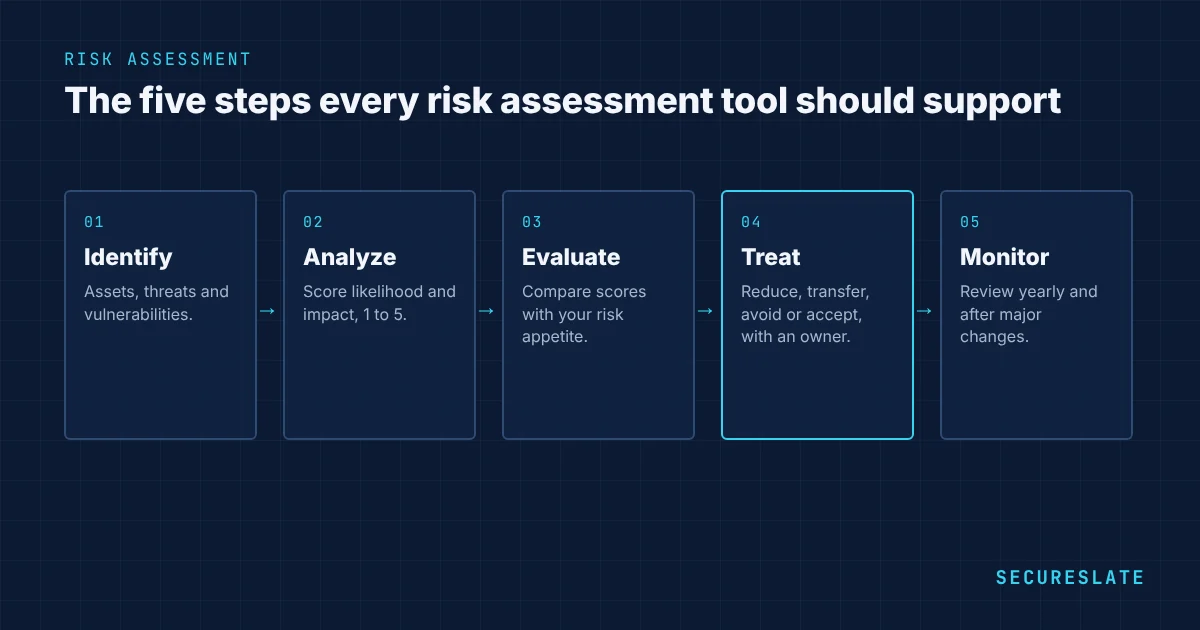
A risk assessment answers four questions: what could go wrong, how likely is it, how bad would it be, and what are we doing about it. A risk assessment tool supports some or all of these steps:
- Identify assets, threats and vulnerabilities, such as customer data, phishing and unpatched servers.
- Analyze each risk by scoring likelihood and impact, usually on a 1 to 5 scale.
- Evaluate which risks exceed your risk appetite and need treatment.
- Treat each risk: reduce it with controls, transfer it (for example with insurance), avoid it or accept it.
- Monitor risks over time, review them at least once a year and update them when the business changes.
Types of risk assessment tools
| Tool type | What it is good at | Limits | Typical fit |
|---|---|---|---|
| Spreadsheet or template | Free, flexible, easy to start | Manual, no evidence links, hard to keep current | First risk assessment, teams under 20 people |
| GRC or compliance automation platform | Risk register linked to controls, owners, evidence and audits | Subscription cost, setup time | Companies working toward SOC 2, ISO 27001 or HIPAA |
| Technical scanners (cloud, vulnerability, code) | Finds real misconfigurations and vulnerabilities automatically | Produces findings, not business risk decisions | Any company running in the cloud |
| Vendor risk tools | Tracks supplier questionnaires, reports and reviews | Covers third-party risk only | Companies with many critical vendors |
| Dedicated enterprise risk tools | Deep quantitative analysis and enterprise risk reporting | Expensive and complex | Large or regulated organizations |
A common and effective setup for a growing SaaS company is a GRC platform for the risk register and controls, fed by technical scanners such as cloud security posture checks (open-source tools like Prowler, or the scanning built into a compliance platform) and a vulnerability scanner.
What to look for
| Capability | Why it matters |
|---|---|
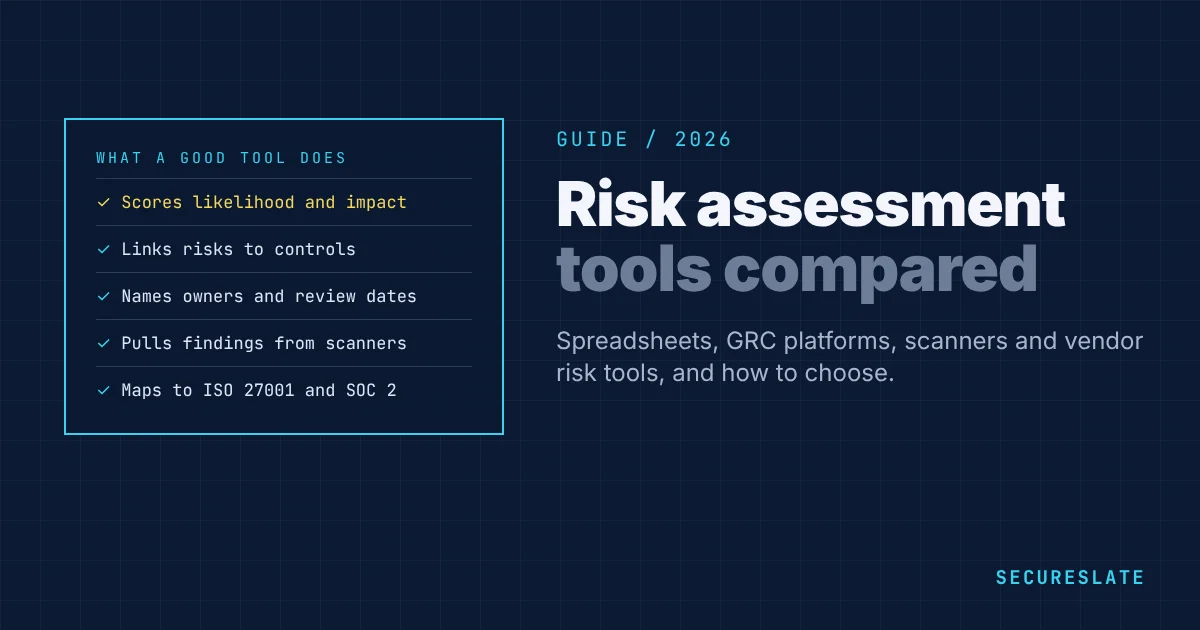
| Risk register with scoring | Consistent likelihood and impact scores across every risk |
| Link from risk to controls | Shows auditors how each risk is treated |
| Named owners and review dates | Stops risks going stale after the first assessment |
| Integrations | Pulls real findings from cloud, identity and code tools instead of guesses |
| Framework mapping | Reuses one risk assessment for ISO 27001, SOC 2 and HIPAA |
| Treatment plans and acceptance | Records who accepted a risk, why, and until when |
| Audit exports | Produces evidence in the format your auditor expects |
| Vendor risk | Tracks third-party risks next to your own |
How to choose the right tool
- Start with your framework. ISO 27001 asks for a documented risk assessment methodology and a risk treatment plan. SOC 2 asks you to identify and assess risks to your service commitments. HIPAA requires a security risk analysis for electronic protected health information. Make sure the tool produces what your auditor needs.
- Be honest about your size. If you have fewer than 20 people and one framework, a good template and a scanner may be enough for the first year.
- Count the frameworks. If you need two or more frameworks, a platform that maps one risk register to all of them saves weeks of duplicate work.
- Check the integrations you need. Your cloud provider, identity provider, code repository and ticketing system matter most.
- Think about the second year. The first assessment is the easy part. Choose a tool that makes the annual review and ongoing updates simple.
A simple scoring method to start with
Whatever tool you use, agree a scoring method before you score anything. A 5 by 5 matrix works well for most SMBs:
| Score | Likelihood | Impact |
|---|---|---|
| 1 | Rare: less than once in 5 years | Minimal: no customer impact, negligible cost |
| 2 | Unlikely: once in 2 to 5 years | Minor: short disruption, small cost |
| 3 | Possible: about once a year | Moderate: some customers affected, contract or SLA impact |
| 4 | Likely: several times a year | Major: many customers affected, regulatory exposure |
| 5 | Almost certain: monthly or more | Severe: data breach, loss of major customers, legal action |
Multiply likelihood by impact to get a risk score from 1 to 25. Treat scores of 15 and above first, plan treatment for 8 to 14, and review lower scores at the next annual assessment. Score each risk twice, before controls (inherent risk) and after controls (residual risk), so you can show how much your controls reduce it. Our guide to inherent vs residual risk explains the difference.
Common mistakes
- Treating the risk assessment as a one-time audit task instead of a living register
- Scoring risks without agreed definitions, so every risk ends up "high"
- Listing risks with no owner, treatment or review date
- Running scanners but never turning their findings into risk decisions
- Accepting risks without recording who approved the decision and when it will be reviewed
- Leaving vendor and third-party risks out of the main assessment
How SecureSlate helps
SecureSlate keeps your risk register, controls, owners and evidence in one place, and feeds it with built-in cloud, vulnerability and code scanning. One risk assessment maps to SOC 2, ISO 27001, HIPAA and other frameworks, and review reminders keep it current between audits.
FAQ
What is a risk assessment tool?
It is software, or a structured template, that helps you identify information security risks, score them by likelihood and impact, decide how to treat them and track them over time.
Can I use a spreadsheet for risk assessment?
Yes. Many companies start with a spreadsheet, and auditors accept it if the method is documented and the register is kept current. It becomes hard to manage as risks, owners and frameworks grow.
How often should a risk assessment be done?
At least once a year, and whenever there is a significant change such as a new product, a new cloud provider, an acquisition or a serious incident.
What is the difference between a risk assessment and a vulnerability scan?
A vulnerability scan finds technical weaknesses. A risk assessment decides which weaknesses and threats matter to the business, how serious they are and what to do about them. Scan results are one input to the risk assessment.
Do SOC 2 and ISO 27001 require a specific risk assessment tool?
No. Neither standard requires a particular tool. They require a consistent, documented method and evidence that you follow it.
Disclaimer (legal note)
This article is for general information only and is not legal, regulatory, or professional advice. Requirements vary by framework, industry, and jurisdiction. Consult qualified advisors for your specific obligations.
Need compliance without the complexity?
SecureSlate automates ISO 27001, SOC 2, GDPR, HIPAA, and more. Built for growing teams. See it in action.
Find compliance gaps in 30 seconds
