
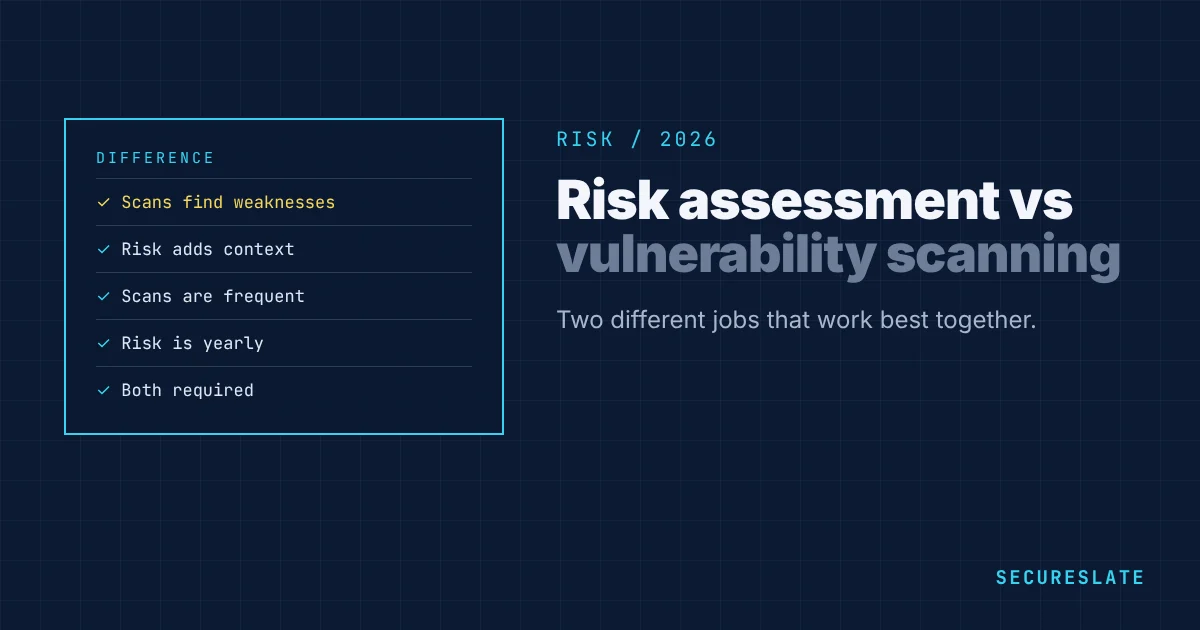
Risk assessment vs vulnerability scanning is a comparison between a broad business process and a specific technical activity. Vulnerability scanning uses automated tools to find known technical weaknesses, such as missing patches or misconfigurations, in systems and applications. Risk assessment is a structured process that identifies threats, vulnerabilities and impacts across the organization, then decides which risks matter most and how to treat them. Scanning is one input into risk assessment; it cannot replace it. This guide explains both, how they differ and how to use them together.
Related guides: Penetration testing best practices · Vulnerability management policy · Risk register · Security posture best practices
Key takeaways
- Vulnerability scanning is automated, technical and frequent. It answers "what known weaknesses exist?"
- Risk assessment is broader and judgment-based. It answers "what could harm us, how likely is it, how bad would it be and what should we do?"
- Scan results feed risk assessment by showing technical exposure; risk assessment prioritizes what to fix.
- Frameworks such as ISO 27001, SOC 2, HIPAA and PCI DSS require both in some form.
- Use scanning continuously and risk assessment at least yearly and after major changes.
What is vulnerability scanning?
Vulnerability scanning runs automated checks against systems to identify known vulnerabilities, often referenced by CVE identifiers, and misconfigurations. Types include:
| Scan type | What it checks |
|---|---|
| Network and host scans | Open ports, services, missing patches, insecure protocols |
| Authenticated scans | Installed software versions and settings from inside the system |
| Web application scans (DAST) | Common web flaws such as injection and misconfigured headers |
| Cloud configuration scans | Public storage, open security groups, weak IAM settings |
| Container and image scans | Vulnerable packages in images |
| Dependency scans (SCA) | Vulnerable open-source libraries in code |
| External attack surface scans | Internet-facing assets and exposures |
Scanners produce lists of findings with severity scores such as CVSS, but they lack business context and can include false positives.
What is risk assessment?
A risk assessment identifies assets, threats and vulnerabilities, estimates likelihood and impact, and records risks in a register with treatment decisions. It covers technical, people, process, physical, supplier and legal risks. Methods include qualitative scoring (likelihood times impact), quantitative methods such as FAIR, and standards such as ISO/IEC 27005 and NIST SP 800-30.
Key differences
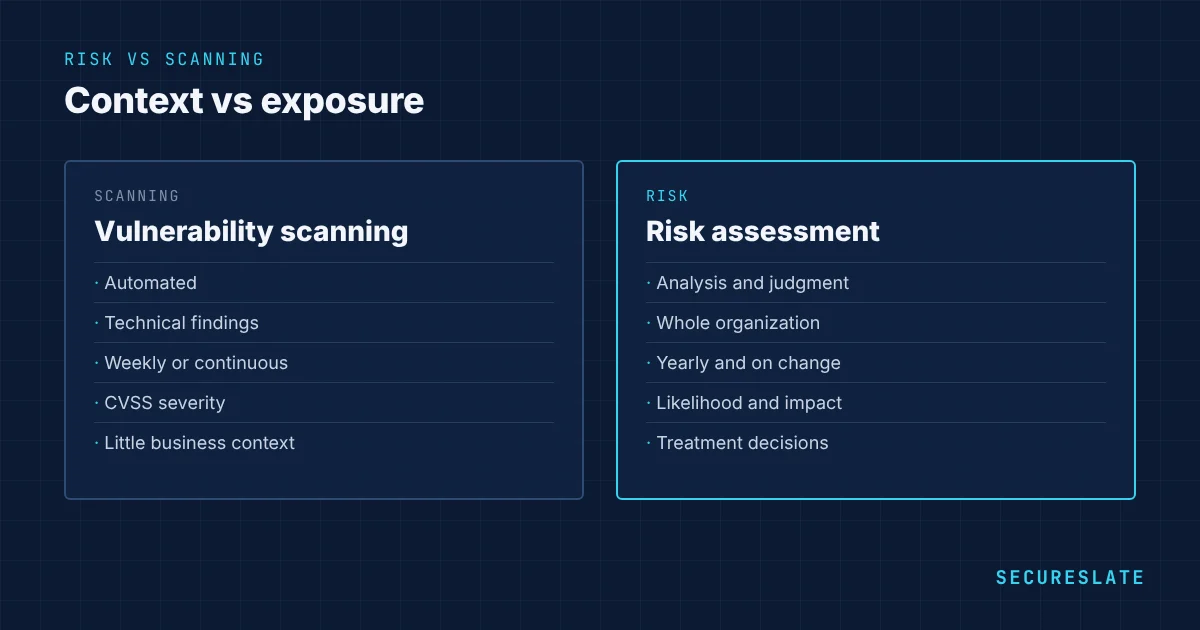
| Aspect | Vulnerability scanning | Risk assessment |
|---|---|---|
| Purpose | Find known technical weaknesses | Identify and prioritize risks to objectives |
| Scope | Systems, applications, cloud, code | Whole organization: technology, people, processes, suppliers |
| Method | Automated tools | Analysis, workshops, data, judgment |
| Frequency | Continuous to weekly | Yearly and on significant change |
| Output | Findings with technical severity | Risk register with likelihood, impact, owners and treatment |
| Context | Little business context | Business impact and risk appetite |
| Who does it | Security or IT, with tools | Risk owners, security, leadership |
| Examples of what it misses | Weak processes, insider risk, vendor risk | Specific missing patches unless fed by scans |
How they work together
- Scans find exposure. A critical vulnerability is found on an internet-facing server.
- Risk assessment adds context. The server hosts customer data and is reachable by anyone, so impact and likelihood are high.
- Decision. Treat as a high risk; patch within days, or isolate the server until patched.
- Patterns become risks. If scans show patching is consistently late, the risk register records "slow patching process" as a risk with a process fix, not just individual vulnerabilities.
- Risk assessment guides scanning. High-risk assets get more frequent and deeper scans.
Related assessments
| Activity | Relationship |
|---|---|
| Vulnerability assessment | Broader than a scan; includes validation and prioritization of scan results |
| Penetration test | Manual exploitation showing real impact and chained weaknesses |
| Threat assessment | Focuses on who might attack and how |
| Gap assessment | Compares controls to a framework |
Framework requirements
| Framework | Risk assessment | Vulnerability scanning |
|---|---|---|
| ISO 27001:2022 | Clauses 6.1.2 and 8.2 require risk assessment | Annex A 8.8 technical vulnerability management |
| SOC 2 | CC3.1 to CC3.4 risk assessment | CC7.1 identifying vulnerabilities and configuration changes |
| HIPAA | Risk analysis required | Expected as part of risk management; proposed rule would require scans every six months |
| PCI DSS v4.0.1 | Targeted risk analyses for certain requirements | Requirement 11.3 quarterly internal and external scans |
| NIST CSF 2.0 | ID.RA risk assessment | ID.RA-01 vulnerabilities identified, DE.CM monitoring |
Building a combined program
- Maintain an asset inventory that both activities share.
- Run continuous or weekly scans and track findings against SLAs.
- Hold a yearly risk assessment and update it after major changes or incidents.
- Feed scan metrics (overdue criticals, mean time to fix) into the risk register.
- Report both to leadership: risks with business context, plus technical metrics as evidence.
Common mistakes
- Calling a scan report a risk assessment
- Treating every critical CVSS finding as equal regardless of exposure
- Running risk assessments without technical data
- Scanning without an accurate asset inventory
- No owner for remediating scan findings
Example: turning scan results into risk decisions
A weekly scan finds 600 vulnerabilities. Treated as a flat list, the team would never finish. Combined with risk assessment context, the picture changes:
| Group | Count | Context | Decision |
|---|---|---|---|
| Critical, internet-facing, on KEV list | 3 | Customer data systems | Fix within 48 hours |
| High, internal servers | 40 | Segmented network, no customer data | Fix within 30 days |
| Medium on developer laptops | 300 | Managed devices, auto-update enabled | Rely on automatic updates; verify in 2 weeks |
| Low, test environments | 257 | No sensitive data | Fix in normal maintenance |
The risk register also gains one new entry: "Patch delays on internal servers," with a process fix to automate patching.
Choosing scanning tools
| Need | Tool type |
|---|---|
| Servers and endpoints | Authenticated vulnerability scanner or endpoint agent |
| Cloud configuration | CSPM or compliance automation platform |
| Web apps and APIs | DAST scanner |
| Code and dependencies | SCA and SAST in CI/CD |
| Containers | Image scanning in registries and pipelines |
| Internet exposure | External attack surface monitoring |
Risk assessment methods compared
| Method | Strengths | Limits |
|---|---|---|
| Qualitative matrix | Fast, easy to explain | Subjective |
| Semi-quantitative scoring | Consistent comparisons | Still based on estimates |
| Quantitative (FAIR) | Financial terms for decisions | Needs data and expertise |
| Scenario workshops | Captures expert judgment | Depends on participants |
How SecureSlate helps
SecureSlate connects scanning and risk assessment. It scans your external surface, code and dependencies, cloud configurations and outdated software, tracks findings against SLAs, and links them to the risk register so leadership sees risk in business terms, with evidence mapped to SOC 2, ISO 27001, HIPAA and PCI DSS.
FAQ
Is a vulnerability scan a risk assessment?
No. A scan identifies technical weaknesses. A risk assessment evaluates threats, vulnerabilities, likelihood and impact across the organization and decides how to treat risks.
How often should vulnerability scans run?
Continuously or at least weekly for most environments, and at least quarterly where PCI DSS applies.
How often should risk assessments be done?
At least yearly and after significant changes, incidents or new regulations.
What is the difference between a vulnerability assessment and a scan?
A scan is automated discovery. A vulnerability assessment includes validating, prioritizing and recommending fixes for the findings.
Do we need both for SOC 2?
Yes. SOC 2 expects a risk assessment process and monitoring that identifies vulnerabilities, such as through scanning.
Can scan results be used as audit evidence?
Yes. Scan reports with dates, scope and remediation records are common evidence for SOC 2, ISO 27001 and PCI DSS vulnerability management controls.
Who should own vulnerability remediation?
System and application owners fix vulnerabilities in their assets, with security setting priorities and tracking SLAs.
Disclaimer (legal note)
This article is for general information only and is not legal, regulatory, or professional advice. Requirements vary by framework, industry, and jurisdiction. Consult qualified advisors for your specific obligations.
Need compliance without the complexity?
SecureSlate automates ISO 27001, SOC 2, GDPR, HIPAA, and more. Built for growing teams. See it in action.
Find compliance gaps in 30 seconds