
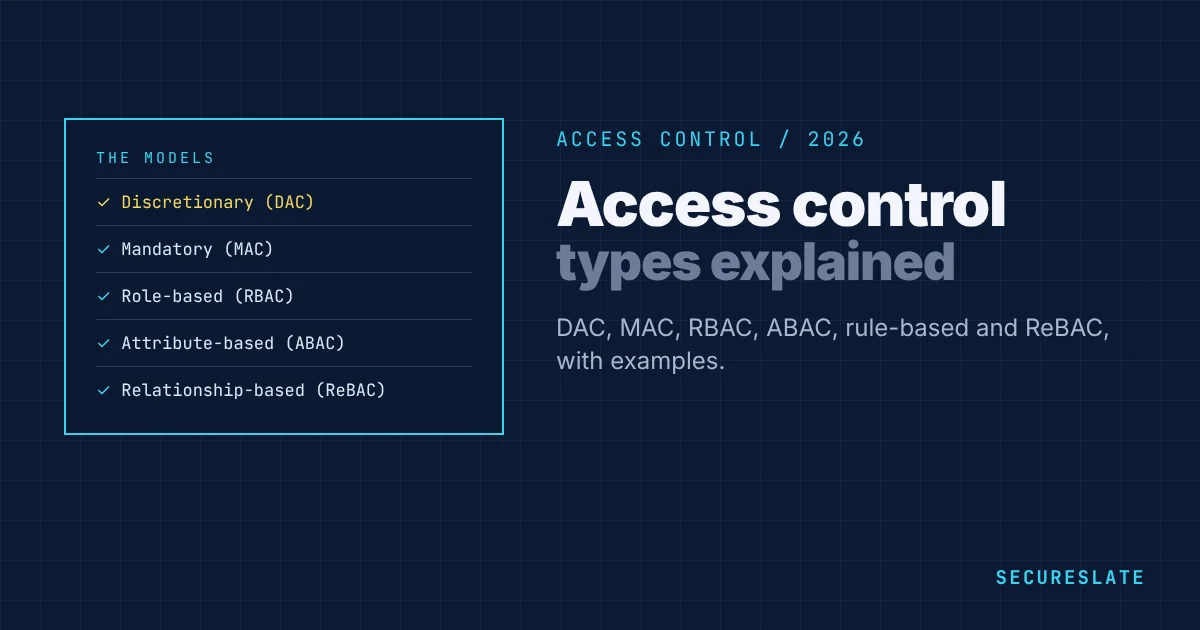
Access control decides who can use which systems and data, and what they can do with them. The main types of access control are discretionary (DAC), mandatory (MAC), role-based (RBAC), attribute-based (ABAC), rule-based, and relationship-based (ReBAC). Each balances security, flexibility and effort differently. This guide explains each model with examples, covers access control lists and granular permissions, and shows how to implement role-based access control in a growing company.
Related guides: User access review template · Best user access review tools · Privileged access threat detection · How to prepare for a SOC 2 audit
Key takeaways
- Access control has three parts: identification, authentication and authorization.
- RBAC is the most common model in business software. ABAC adds fine-grained, context-aware rules.
- Whatever the model, follow least privilege, review access regularly and remove it promptly when people leave.
- SOC 2, ISO 27001, HIPAA and PCI DSS all require documented, reviewed access control.
The main types of access control
| Model | How access is decided | Example | Strengths | Weaknesses |
|---|---|---|---|---|
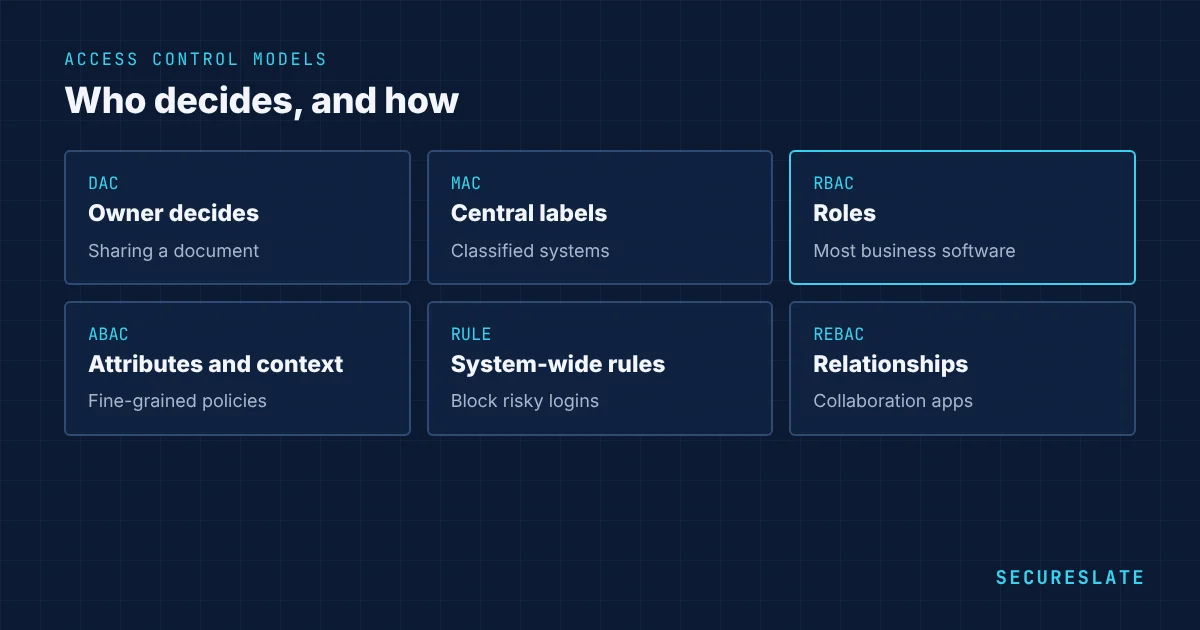
| Discretionary (DAC) | The owner of a resource grants access | Sharing a document with a colleague | Flexible, simple | Hard to control at scale, access spreads |
| Mandatory (MAC) | A central authority assigns security labels; users can only access data at or below their clearance | Government classified systems | Very strong control | Rigid, heavy to manage |
| Role-based (RBAC) | Permissions are attached to roles, and users are assigned roles | "Support agent" can view tickets but not billing | Easy to manage and audit | Role explosion if roles are too granular |
| Attribute-based (ABAC) | Policies evaluate attributes of the user, resource, action and environment | Managers can approve expenses under $5,000 in their own department during work hours | Fine-grained, context-aware | More complex to design and test |
| Rule-based | System-wide rules apply to everyone | No logins from outside approved countries | Simple global controls | Not suited to per-user needs |
| Relationship-based (ReBAC) | Access follows relationships between users and objects | Users can edit documents in folders they own or that are shared with their team | Natural for collaboration apps | Needs a relationship graph and careful design |
Most organizations combine models: RBAC for most permissions, ABAC or rule-based policies for sensitive actions and context, and DAC within collaboration tools.
Access control lists
An access control list (ACL) is a list attached to a resource, such as a file, network segment or storage bucket, that says which users or systems may access it and how. ACLs are a mechanism rather than a model. They are common in operating systems, network devices and cloud storage. They work well for a small number of resources but become hard to manage at scale, which is why RBAC and policy-based approaches are usually layered on top.
Granular access control and least privilege
Granular access control means permissions are specific, such as read-only access to one project rather than admin access to everything. Combined with the principle of least privilege, giving people only the access they need for their job, it limits the damage a compromised account or a mistake can cause. Practical steps include separate admin accounts, just-in-time access for production, time-limited elevated rights and approval workflows for sensitive permissions.
Examples of role-based access control
| Role | Permissions |
|---|---|
| Engineer | Read and write code repositories, deploy to staging, read-only production logs |
| Senior engineer on call | Engineer permissions plus time-limited production access with approval |
| Support agent | View customer accounts and tickets, no access to billing or exports |
| Finance | Billing system and invoices, no access to production |
| Admin | Manage users and settings, with MFA and logging, limited to a few people |
How to implement role-based access control
- Inventory systems and data and decide which are sensitive.
- Define roles based on job functions, not individuals. Start broad and refine.
- Map permissions to roles using least privilege.
- Use your identity provider with SSO and groups to assign roles centrally.
- Automate joiners, movers and leavers from your HR system so access changes with employment.
- Require MFA for all users and phishing-resistant MFA for admins.
- Review access regularly, at least quarterly for sensitive systems, and remove what is not needed.
- Log and monitor access to sensitive data and admin actions.
Access control in compliance frameworks
| Framework | Relevant requirements |
|---|---|
| SOC 2 | CC6.1 to CC6.3: logical access, provisioning, removal and reviews |
| ISO 27001:2022 | Annex A 5.15 to 5.18 and 8.2 to 8.5: access control, identity, authentication, privileged access |
| HIPAA | 164.312(a)(1): access control for ePHI; 164.308(a)(4): information access management |
| PCI DSS v4.0.1 | Requirements 7 and 8: restrict access by need to know, identify and authenticate users |
Joiners, movers and leavers
Most access problems come from changes in employment rather than the access model itself.
| Event | What should happen | Common failure |
|---|---|---|
| Joiner | Access granted through role groups on day one, approved by the manager | Ad hoc access granted by copying another person's permissions |
| Mover | Old role access removed and new role access granted | New access added but old access never removed |
| Leaver | All access removed on the last day, devices returned, shared credentials rotated | Accounts left active in tools outside SSO |
Connect your HR system to your identity provider so these changes happen automatically, and check tools outside SSO during each access review.
Access control and zero trust
Zero trust means no user or device is trusted by default because of its network location. Every request is checked against identity, device health and context before access is granted. In practice this builds on the models above: strong authentication, RBAC or ABAC policies, device checks through management tools, and continuous monitoring. For a small company, SSO with MFA, managed devices and least privilege covers most of the value.
How to choose an access control model
Start with RBAC for most systems, because it is easy to understand, audit and manage through your identity provider. Add ABAC or rule-based policies where context matters, such as blocking access from unmanaged devices, limiting sensitive actions to business hours, or restricting customer data by region. Use ReBAC when your own product needs sharing between users, teams and objects. Reserve MAC for environments with formal classification requirements, such as government work. Whatever you choose, write it down in an access control policy, so auditors and engineers apply it the same way.
Common access control mistakes
- Shared admin accounts with no individual accountability
- Too many people with admin rights "just in case"
- Former employees still active in tools not connected to SSO
- Roles created for individuals, leading to hundreds of near-duplicate roles
- No logs of who accessed sensitive data
- Access reviews that are approved without anyone actually checking
How SecureSlate helps
SecureSlate access reviews connect to your identity provider and key systems, run quarterly reviews with managers, flag former employees and excess permissions, and store the evidence auditors ask for under SOC 2, ISO 27001, HIPAA and PCI DSS.
FAQ
What are the four main types of access control?
The four classic models are discretionary (DAC), mandatory (MAC), role-based (RBAC) and attribute-based (ABAC). Rule-based and relationship-based access control are also widely used.
What is the most common type of access control?
Role-based access control, because it is easy to manage and audit in business systems.
What is the difference between RBAC and ABAC?
RBAC grants permissions through roles. ABAC evaluates attributes such as department, data sensitivity, location and time, which allows finer and context-aware decisions.
Is MFA a type of access control?
MFA is part of authentication, which confirms identity before access control decides what the user may do. Both are needed.
How often should access be reviewed?
At least quarterly for sensitive and in-scope systems, and immediately when someone changes role or leaves.
What is the principle of least privilege?
Giving each user, service and system only the access needed to do its job, and nothing more, for as long as it is needed.
What should an access control policy include?
How access is requested and approved, the roles in use, MFA requirements, privileged access rules, review frequency and the process for removing access when people leave.
Disclaimer (legal note)
This article is for general information only and is not legal, regulatory, or professional advice. Requirements vary by framework, industry, and jurisdiction. Consult qualified advisors for your specific obligations.
Need compliance without the complexity?
SecureSlate automates ISO 27001, SOC 2, GDPR, HIPAA, and more. Built for growing teams. See it in action.
Find compliance gaps in 30 seconds
