
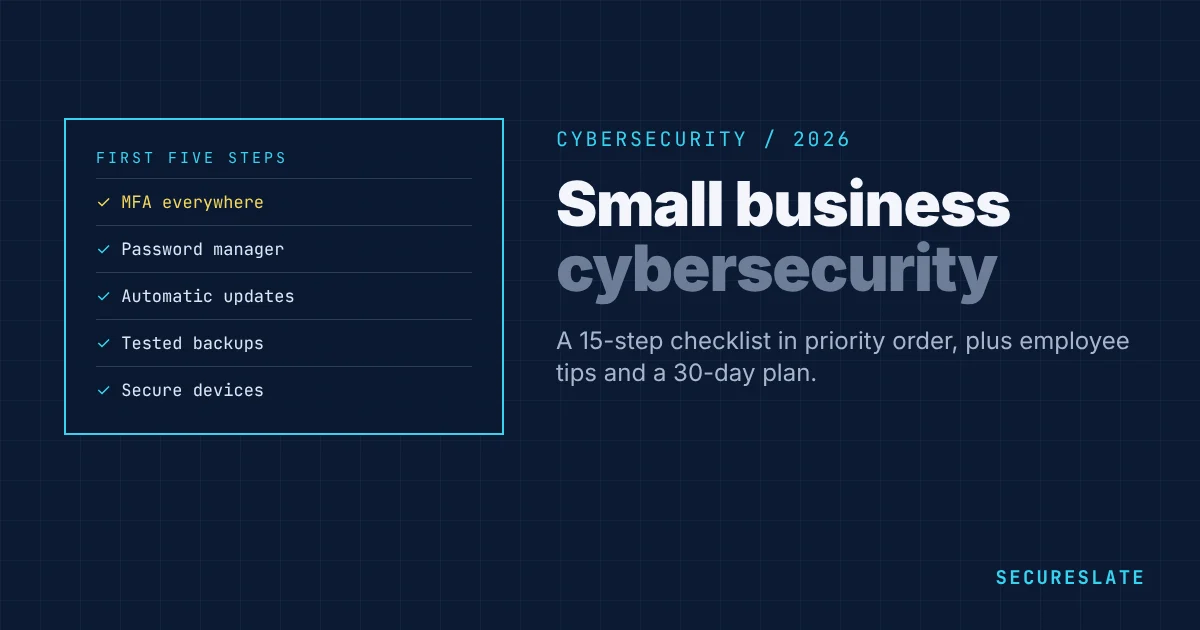
Cybersecurity for small businesses is about doing a small number of things very well. Most attacks on small companies are not sophisticated: stolen passwords, phishing emails, unpatched software, misconfigured cloud storage and ransomware. This guide lists the threats that matter, a 15-step checklist in priority order, tips for employees, and how good security also helps you win larger customers.
Related guides: Insider threats · Free incident response plan template · Business continuity vs disaster recovery · NIST cybersecurity for small businesses
Key takeaways
- Small businesses are targeted because they often have weaker defenses, not because attackers single them out.
- MFA, updates, backups, device security and staff awareness stop most common attacks.
- Start with the checklist below in order. The first five items deliver most of the protection.
- Good security helps you pass customer security reviews and move toward SOC 2 or ISO 27001.
The threats that matter most
| Threat | How it happens | Best defenses |
|---|---|---|
| Phishing and credential theft | Fake login pages, malicious links, MFA fatigue | MFA (phishing-resistant for admins), training, email filtering |
| Business email compromise | Attacker impersonates a supplier or executive to redirect payments | Payment verification by phone, MFA, email authentication (SPF, DKIM, DMARC) |
| Ransomware | Malware encrypts files and demands payment | Backups kept offline or immutable, endpoint protection, patching |
| Unpatched software | Attackers exploit known vulnerabilities | Automatic updates, vulnerability scanning |
| Cloud misconfiguration | Public storage, exposed databases, leaked keys | Configuration baselines, scanning, secrets detection |
| Lost or stolen devices | Unencrypted laptops and phones | Disk encryption, device management, remote wipe |
| Insider mistakes | Data shared with the wrong person, weak sharing settings | Least privilege, sharing controls, training |
| Vendor compromise | A supplier with access to your data is breached | Vendor reviews, least-privilege integrations |
Small business cybersecurity checklist
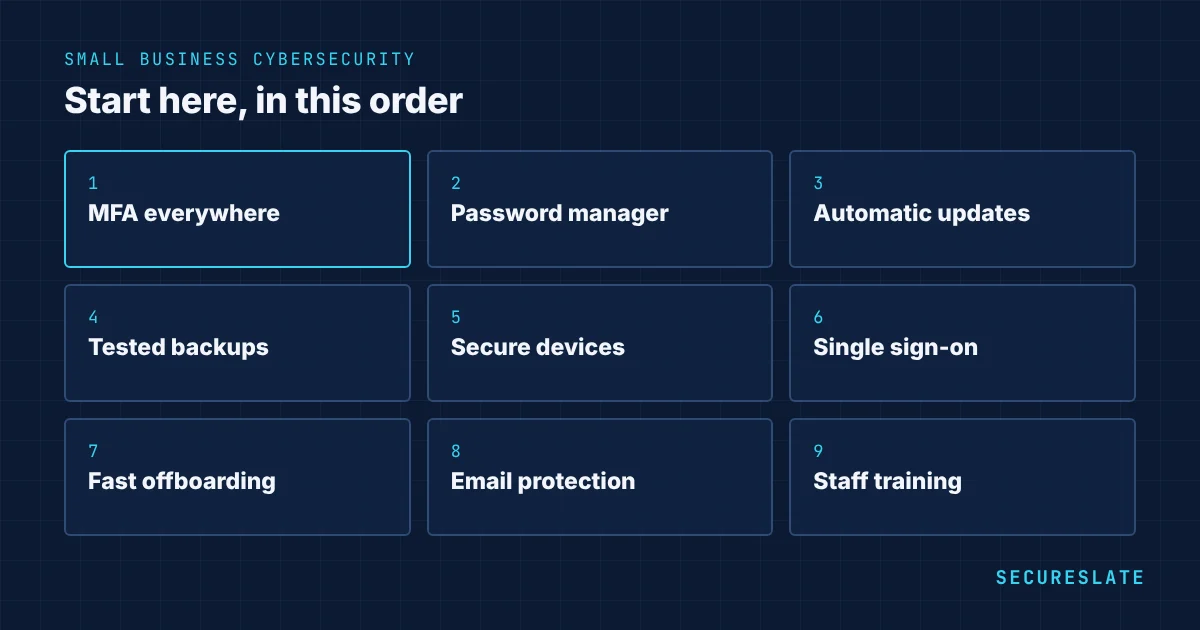
Work through these in order. Each step builds on the ones before it.
- Turn on MFA everywhere, starting with email, cloud admin, banking, code repositories and password managers.
- Use a password manager for the whole team, with unique passwords for every account.
- Turn on automatic updates for operating systems, browsers and business software.
- Back up critical data daily, keep a copy that ransomware cannot reach, and test a restore every quarter.
- Secure devices: disk encryption, screen lock, endpoint protection and, as you grow, device management.
- Centralize logins with single sign-on so one switch removes a leaver's access everywhere.
- Remove access promptly when people leave or change roles, and review access every quarter.
- Protect email with filtering and SPF, DKIM and DMARC to stop spoofing of your domain.
- Lock down cloud accounts: no shared root accounts, logging on, public access blocked by default.
- Scan for vulnerabilities and leaked secrets in your infrastructure and code.
- Train staff on phishing, payment fraud and reporting suspicious activity, at least once a year.
- Verify payment changes by calling a known number before changing bank details.
- Write a short incident response plan with who to call and what to do first. Use our incident response plan template.
- Review your vendors: know which tools hold your data and switch on their security settings.
- Consider cyber insurance, and read what controls insurers require, as many now require MFA and backups.
Cybersecurity tips for employees
- Use the password manager and never reuse passwords
- Approve an MFA prompt only when you just tried to log in
- Check the sender and link before entering credentials
- Never change payment details based on an email alone
- Lock your screen when you step away
- Report suspicious emails or mistakes immediately, without fear of blame
- Keep company data in approved tools, not personal accounts or unapproved AI tools
What to do if you are attacked
- Stay calm and contain. Disconnect affected devices from the network, but do not turn them off if you may need evidence.
- Reset credentials for affected accounts and revoke active sessions.
- Call for help. Contact your IT provider, your cyber insurer's hotline if you have one, and your bank immediately if money was sent.
- Preserve evidence such as emails, logs and screenshots.
- Check your obligations. Data breaches may need to be reported to regulators or customers within strict deadlines, such as 72 hours under GDPR.
- Recover from clean backups and fix the weakness that let the attacker in.
- Learn from it with a short, blameless review.
A 30-day starter plan
| Week | Focus |
|---|---|
| Week 1 | MFA on all key accounts, password manager rolled out |
| Week 2 | Automatic updates, disk encryption and screen lock on all devices |
| Week 3 | Backups checked and a restore tested; email authentication set up |
| Week 4 | Staff training, payment verification rule, one-page incident plan |
How much should a small business spend on cybersecurity?
Many essentials cost little: MFA is built into most services, and automatic updates and disk encryption are free. The main costs are a password manager, endpoint protection, backups, device management and, for SaaS companies, security scanning and compliance tooling. A practical rule is to fund the checklist above first, then invest in the areas your customers and insurers ask about.
How cybersecurity helps you win customers
As small companies sell to larger ones, security reviews become part of every deal. A working checklist like the one above covers most questionnaire topics, and it is the foundation for SOC 2 or ISO 27001, which many enterprise buyers require. See how to answer and automate security questionnaires and ISO 27001 for small businesses.
Frameworks for small businesses
- NIST Cybersecurity Framework 2.0: a flexible, free framework with a small business quick-start guide
- CIS Controls Implementation Group 1: 56 essential safeguards aimed at smaller organizations
- Cyber Essentials (UK): a government-backed certification of five basic controls
- SOC 2 and ISO 27001: when customers need independent assurance
How SecureSlate helps
SecureSlate helps small teams put this checklist in place and prove it: monitoring MFA, devices, cloud configuration, backups and access, scanning for vulnerabilities, leaked secrets and dark web exposure, and turning it all into evidence for SOC 2 or ISO 27001. Plans start at $2,688 a year, see pricing.
FAQ
What is the most important cybersecurity step for a small business?
Turning on multi-factor authentication for email, cloud and financial accounts. It blocks most attacks based on stolen passwords.
Are small businesses really targeted by hackers?
Yes. Most attacks are automated and opportunistic, so any business with weak defenses can be hit, regardless of size.
Do small businesses need cyber insurance?
It is worth considering, especially for ransomware and business email compromise. Insurers increasingly require controls such as MFA, backups and endpoint protection before offering cover.
How often should small businesses train employees on cybersecurity?
At least once a year, with short refreshers or phishing simulations during the year, and at onboarding for new staff.
Which cybersecurity framework is best for a small business?
NIST CSF or CIS Controls IG1 are good starting points. If customers ask for independent assurance, SOC 2 or ISO 27001 are the usual next step.
Is antivirus enough for a small business?
No. Endpoint protection is one layer. MFA, updates, backups, email security and staff awareness together stop far more attacks than antivirus alone.
How do we know if our business has been breached?
Common signs include unexpected password reset emails, unknown logins, new email forwarding rules, missing funds, customer complaints about strange messages, and devices behaving unusually. Logging and alerts help detect these early.
Should a small business hire a security specialist?
Most small companies start with a technical owner, good tools and outside help when needed, such as a managed service provider or a fractional security lead. A full-time hire usually comes with growth or compliance demands.
How often should a small business test its backups?
At least every quarter, by restoring real files or a database to a separate location and checking they open correctly. An untested backup may fail when you need it.
What is the cheapest way to improve small business security today?
Turn on MFA for email and admin accounts, enable automatic updates, and set up a password manager. All three can be done in a day at little or no cost.
Disclaimer (legal note)
This article is for general information only and is not legal, regulatory, or professional advice. Requirements vary by framework, industry, and jurisdiction. Consult qualified advisors for your specific obligations.
Need compliance without the complexity?
SecureSlate automates ISO 27001, SOC 2, GDPR, HIPAA, and more. Built for growing teams. See it in action.
Find compliance gaps in 30 seconds
