
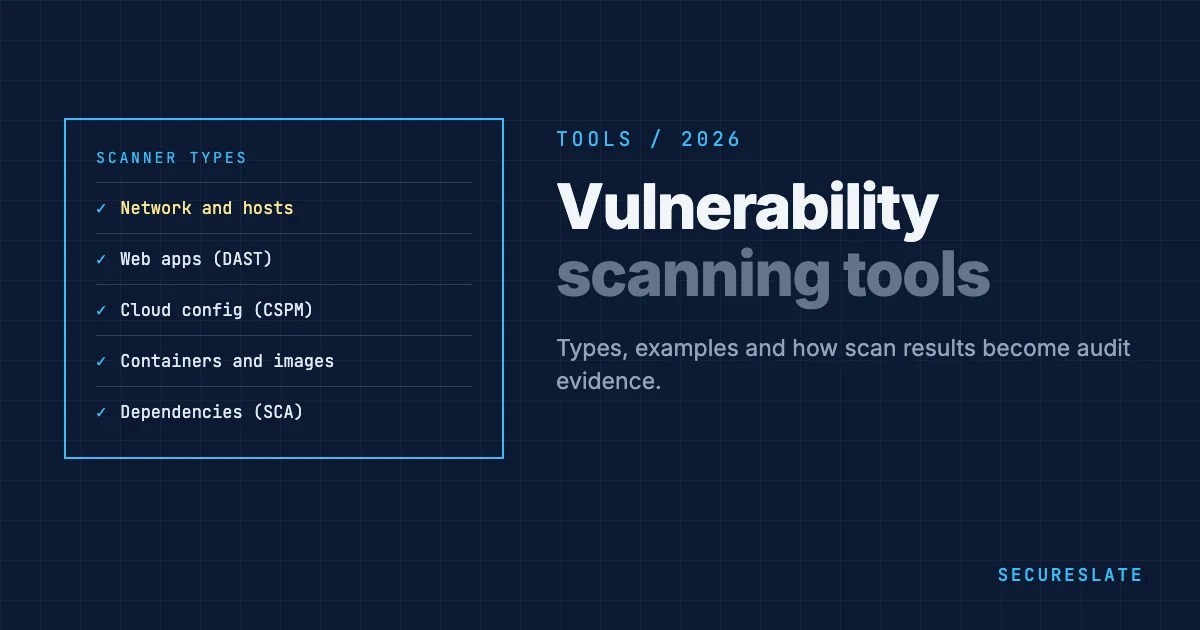
Vulnerability scanning tools are automated programs that inspect your servers, web applications, cloud accounts, container images and code dependencies for known weaknesses, such as missing patches, insecure configurations and vulnerable library versions. No single scanner covers everything. Most teams combine a network or host scanner, a web application (DAST) scanner, a cloud configuration scanner, a container image scanner and a dependency (SCA) scanner, then route the findings into one remediation workflow. This guide explains each type, gives neutral examples, shows how to choose and explains how scan output becomes evidence for SOC 2, ISO 27001 and PCI DSS.
Related guides: Vulnerability scanning frequency · Authenticated vs unauthenticated scans · Open source DAST tools · Best penetration testing tools
Key takeaways
- Vulnerability scanners find known weaknesses. They do not replace penetration testing, which looks for exploitable chains and logic flaws.
- Match the scanner to the asset: hosts and networks, web apps, cloud configuration, container images and open source dependencies each need a different tool.
- Authenticated scans see far more than unauthenticated ones, and PCI DSS v4.0.1 now requires them for internal scans.
- Coverage matters more than brand. A scanner that misses half your assets produces a clean report that is wrong.
- Auditors want scope, cadence, results and proof of remediation, not just a PDF from the scanner.
What are vulnerability scanning tools?
A vulnerability scanning tool compares what it finds on an asset against databases of known issues and flags matches. For software flaws, that usually means matching installed package versions against CVE records published in sources such as the NIST National Vulnerability Database. For configuration issues, it means checking settings against benchmarks or rule sets, such as public storage buckets or weak TLS settings.
Each finding normally carries a severity, often a CVSS score, plus a description and fix guidance. Better tools add context, such as whether the flaw appears in the CISA Known Exploited Vulnerabilities catalog or has a high EPSS exploit probability, so you can fix what attackers actually use first.
NIST SP 800-115 describes vulnerability scanning as one of several technical assessment techniques, alongside penetration testing and configuration review. Your vulnerability management policy should define how scan results are triaged, assigned and closed.
What types of vulnerability scanners are there?
There are five main types of vulnerability scanners, each built for a different kind of asset.
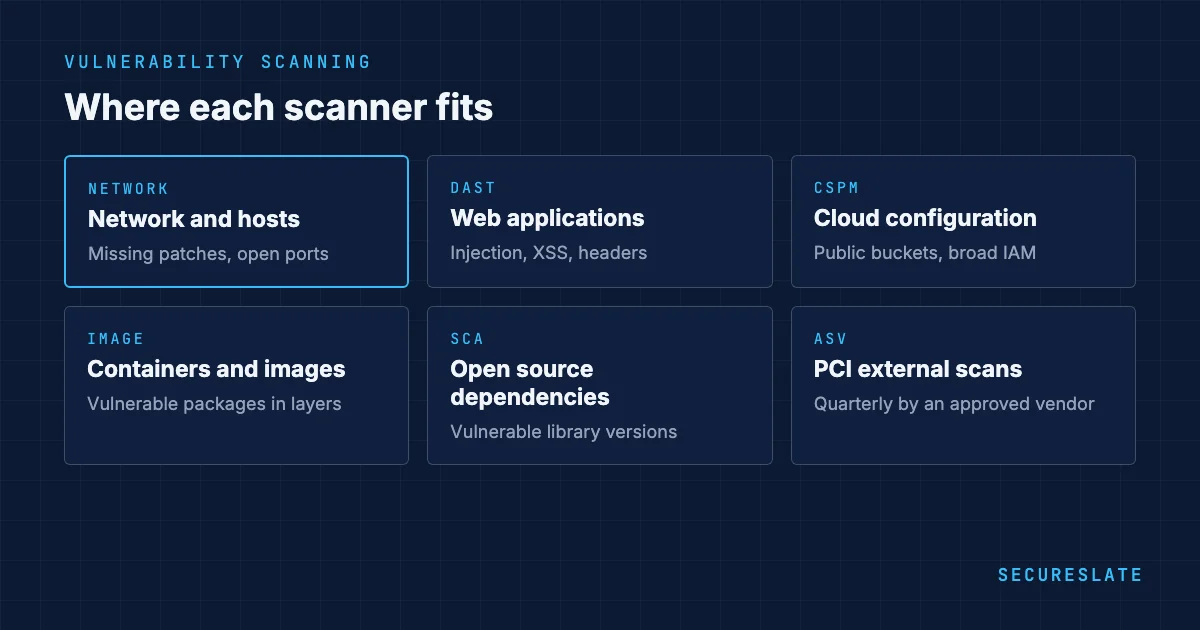
| Scanner type | What it inspects | Typical findings | When it runs |
|---|---|---|---|
| Network and infrastructure | Servers, VMs, network devices, open ports | Missing OS patches, outdated services, weak protocols, default credentials | Scheduled, often weekly to quarterly, plus after changes |
| Web application (DAST) | Running web apps and APIs from the outside | Injection, cross-site scripting, misconfigured headers, exposed admin pages | Before release and on a schedule against production or staging |
| Cloud configuration (CSPM) | Cloud provider settings via API | Public buckets, overly broad IAM, disabled logging, unencrypted storage | Continuously or daily |
| Container and image | Container images and registries | Vulnerable OS packages and libraries inside images | At build time in CI and on images in the registry |
| Dependency (SCA) | Open source libraries declared in code | Vulnerable package versions, license issues | On every pull request and on a schedule |
Network and infrastructure scanners
These probe IP ranges and hosts to find open services and compare their versions with known vulnerabilities.
Web application scanners (DAST)
Dynamic application security testing tools crawl and attack a running application the way a user or attacker would. They find flaws in your own code, such as injection, and need a login for useful coverage.
Cloud configuration scanners (CSPM)
Cloud security posture management tools read configuration through provider APIs rather than probing hosts. See best CSPM tools for a deeper comparison.
Container and image scanners
These unpack an image layer by layer and list the packages inside. Scanning in CI stops a vulnerable image before deployment, and rescanning the registry catches new CVEs in images that were clean when built.
Dependency scanners (SCA)
Software composition analysis reads manifest and lock files, such as package-lock.json or requirements.txt, and flags vulnerable open source versions.
Which tools are common for each type?
The examples below are well-known options in each category, listed alphabetically and without ranking. Licensing and features change, so confirm current terms with each vendor or project.
| Type | Commercial examples | Open source or free examples |
|---|---|---|
| Network and infrastructure | Qualys VMDR, Rapid7 InsightVM, Tenable Nessus | Greenbone OpenVAS |
| Web application (DAST) | Burp Suite (PortSwigger), Invicti | Nuclei (ProjectDiscovery), ZAP |
| Cloud configuration | AWS Security Hub, Google Cloud Security Command Center, Microsoft Defender for Cloud | Prowler |
| Container and image | Docker Scout, Amazon Inspector (ECR) | Grype (Anchore), Trivy (Aqua Security) |
| Dependency (SCA) | Snyk Open Source, Sonatype Lifecycle | GitHub Dependabot, OSV-Scanner (Google), OWASP Dependency-Check |
ZAP is no longer an OWASP project; its core maintainers joined Checkmarx in 2024 and it continues as open source under the Apache 2.0 license as "ZAP by Checkmarx". Several tools span more than one category: Trivy also scans file systems and infrastructure as code, and Amazon Inspector covers EC2 instances, container images and Lambda functions. OWASP keeps a broader list of web application scanners.
Agent vs agentless, authenticated vs unauthenticated
Two design choices affect what any scanner can see: how it reaches the asset and whether it logs in.
| Approach | How it works | Strengths | Trade-offs |
|---|---|---|---|
| Agent-based | Lightweight software on each host reports inventory | Works for laptops and hosts off the network; near real-time | Agents to deploy, update and monitor |
| Agentless (network) | Scanner connects to hosts over the network | Nothing to install | Needs network reach and credentials; misses offline devices |
| Agentless (snapshot or API) | Reads cloud disk snapshots or provider APIs | Broad cloud coverage quickly | Cloud only; results can lag by hours |
| Unauthenticated | Probes from outside without logging in | Shows an attacker's external view | Misses most installed-software flaws |
| Authenticated | Logs in with a scan account to read installed packages and settings | Far more accurate and complete | Credentials must be managed securely |
Many products now mix approaches. Amazon Inspector, for example, defaults to a hybrid mode that uses an agent where the AWS Systems Manager agent is present and EBS snapshots where it is not. For a deeper look at credentials and coverage, read authenticated vs unauthenticated scans.
How do you choose a vulnerability scanning tool?
Choose a vulnerability scanning tool by starting from your asset inventory and compliance obligations, not from feature lists. Work through these questions:
- What do you run? A serverless SaaS on one cloud needs CSPM, SCA and container scanning more than a classic network scanner. An office network with on-premises servers needs the opposite.
- Which frameworks apply? PCI DSS requires quarterly external scans by an Approved Scanning Vendor (ASV), so any card-processing business needs an ASV regardless of other tools.
- Can it authenticate? Check support for your operating systems, SSO login flows for DAST and cloud roles for CSPM.
- Where do findings go? Look for integration with your ticketing system so findings become assigned work with due dates.
- How does it prioritise? Severity alone creates noise. Exploit data, asset criticality and reachability help teams fix what matters.
- Can you prove it ran? Scheduled scan history, exportable reports and timestamps make audits much easier.
How does scan output become audit evidence?
Scan output becomes audit evidence when it shows that scans ran on schedule across the full scope, and that findings were fixed within your defined timelines. One clean report is rarely enough.
| Framework | Requirement | What auditors typically look for |
|---|---|---|
| SOC 2 | Trust Services Criteria CC7.1, detection and monitoring to identify configuration changes and newly discovered vulnerabilities | Scan schedule, reports across the audit period, tickets showing remediation |
| ISO 27001:2022 | Annex A 8.8 management of technical vulnerabilities | Defined process, asset coverage, risk-based timelines, records of action taken |
| PCI DSS v4.0.1 | Requirement 11.3: internal scans at least once every three months (11.3.1) using authenticated scanning (11.3.1.2), and external scans by a PCI SSC ASV at least once every three months (11.3.2), plus rescans after significant changes | Four quarters of internal and passing ASV external scans, rescans confirming high-risk and critical issues are resolved |
Good evidence packages usually include:
- The scan policy or schedule and the in-scope asset list
- Dated reports for each period, not only the most recent one
- Tickets linking each high or critical finding to a fix and a closing rescan
- Documented exceptions with an owner, compensating controls and an expiry date
How often to scan depends on the framework and your risk. See vulnerability scanning frequency for cadences by standard.
What mistakes do teams make with scanners?
The most common mistake is trusting a scan whose scope is incomplete. Others follow close behind:
- Scanning a partial inventory. New cloud accounts, staging environments and forgotten subdomains are left out.
- Running only unauthenticated scans. Reports look clean because the scanner cannot see installed packages.
- Treating scanning as penetration testing. Scanners do not chain issues or test business logic. Pair them with periodic tests using penetration testing tools or a tester.
- Fixing by CVSS score alone. A medium flaw on an internet-facing, actively exploited service can matter more than a critical one on an isolated host.
- No closing rescan. Auditors want proof that the fix worked, not just a closed ticket.
- Unpinned scanner versions in CI. Security tools are part of your supply chain. Pin versions and verify release signatures where the project offers them.
How SecureSlate helps
SecureSlate does not replace your scanners. It gives scan results a place to live alongside the rest of your compliance program. SecureSlate centralises controls, evidence, policies and vendor risk, tracks vulnerability findings through to remediation in risk management, and produces audit-ready exports through audit management. Its cloud scanning covers AWS and Google Cloud, so configuration findings from those accounts land in the same view as your other evidence.
FAQ
What is the difference between a vulnerability scanner and a penetration test?
A scanner automatically checks assets for known weaknesses and can run often. A penetration test is a time-boxed exercise where a skilled tester tries to exploit weaknesses, including logic flaws and chained issues that scanners miss.
Are open source vulnerability scanning tools good enough for compliance?
They can be, as long as they cover your scope, run on schedule and produce dated records of results and remediation. PCI DSS is the exception for external scans, which must be performed by a PCI SSC Approved Scanning Vendor.
Do I need an agent-based scanner?
Not always. Agents suit laptops and hosts that leave the network, while agentless scanning through APIs or snapshots often covers cloud workloads well. Many teams use both.
How many vulnerability scanning tools does a small SaaS company need?
Usually three or four: a cloud configuration scanner, a dependency scanner, a container image scanner if you ship containers, and a DAST scanner for your web app. Add a network scanner if you run your own servers.
Disclaimer (legal note)
This article is for general information only and is not legal, regulatory, or professional advice. Requirements vary by framework, industry, and jurisdiction. Consult qualified advisors for your specific obligations.
Need compliance without the complexity?
SecureSlate automates ISO 27001, SOC 2, GDPR, HIPAA, and more. Built for growing teams. See it in action.
Find compliance gaps in 30 seconds