
Integrations
Getting Started with Integrations
Integrations Page
The Integrations page is where you connect your existing tools to SecureSlate, such as cloud providers, SSO, HR systems, code repositories, ticketing tools, and more. These connections power automated evidence collection and real-time checks so you do not have to chase screenshots or exports manually.
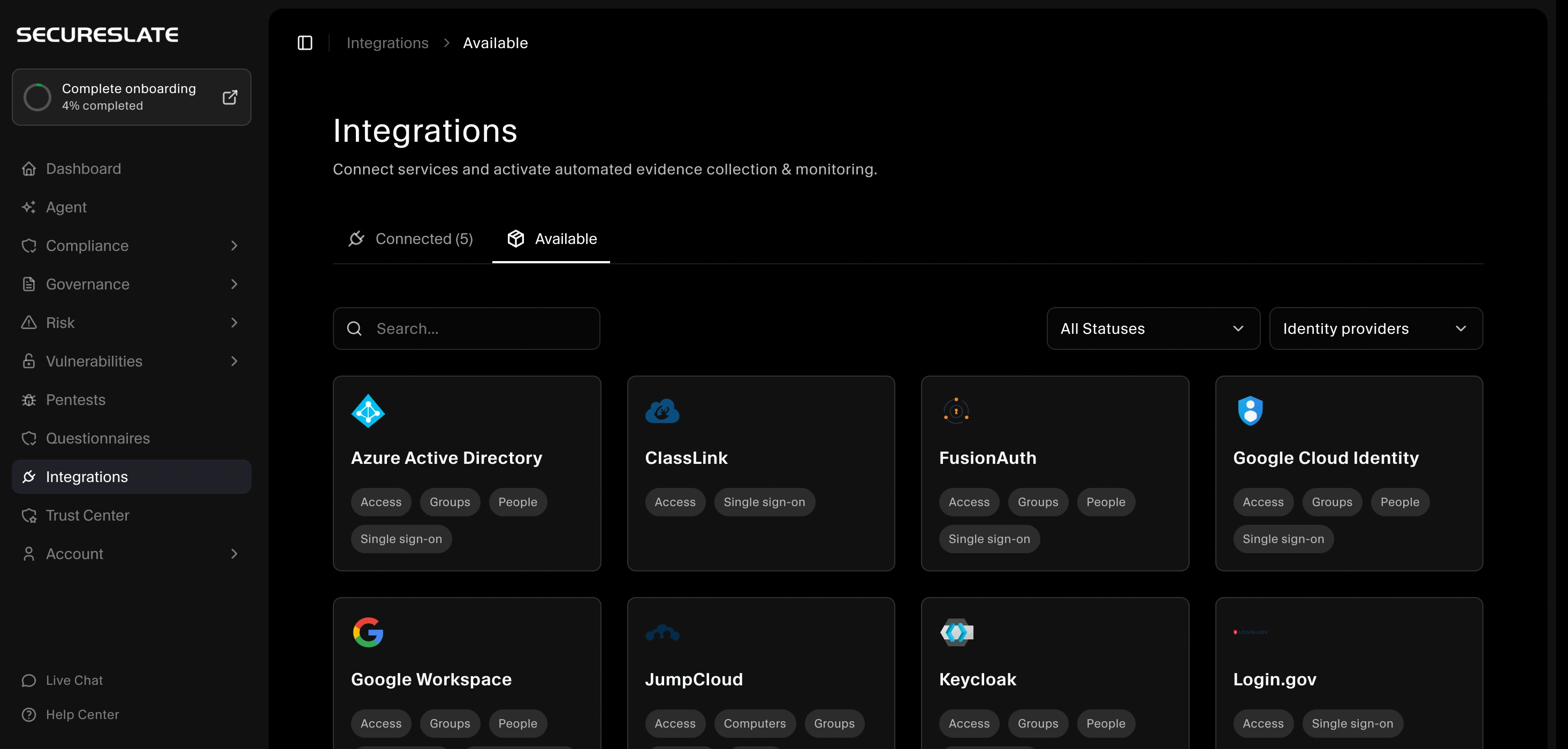
Access the Integrations page
From the main dashboard, click Integrations in the left sidebar.
On this page you will see two main areas:
- Active connections: Tools already linked to SecureSlate.
- Available integrations: A catalog of integrations your organization can connect next.
Connected connections
The Connected connections section lists all tools currently integrated with SecureSlate.
- Use Edit connection to update credentials or settings for an integration.
- Use Set compliance scope (where available) to include or exclude resources (projects, repos, accounts, etc.) from monitoring for more precise compliance coverage.

Available integrations
The Available integrations section shows tools you have not yet connected.
- Click Connect on any integration to start a guided setup flow.
- Use the search bar to quickly find a specific tool.
- Filter by category (for example, cloud, identity, HR, DevOps) using the dropdown next to the search bar to narrow the list.
Once connected, new integrations will move into Active connections and begin feeding data into checks, tests, and dashboards.
Why connect integrations
Connected tools help you:
- Automate evidence collection instead of requesting screenshots and manual exports.
- Monitor security in near real time, surfacing issues as they appear.
- Reduce audit prep time, because much of the required evidence is already organized and mapped to controls.
- Align with your tech stack, using integrations that match how your team already works.
Start from the Integrations page in SecureSlate and connect the tools most critical to your compliance and security program first (for example, cloud accounts, identity provider, and code repository).
