
Settings
Domain Settings
Use Settings → Domain to manage the domains SecureSlate uses for your organization.
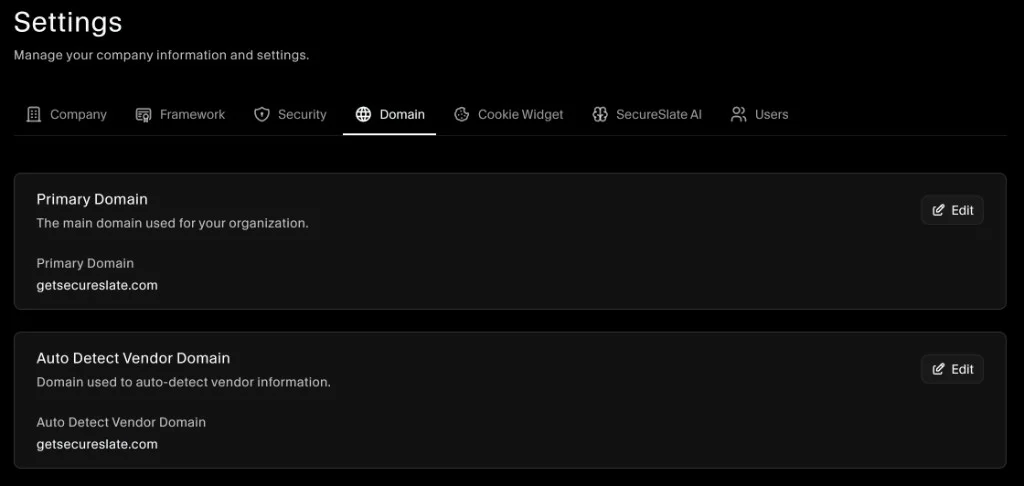
Primary Domain
Primary Domain is the main domain used for your organization in SecureSlate. It’s also used for domain scanning and automated tests (for example, SSL-related tests). This value is auto-set when you first set up your workspace, and you can update it anytime using Edit.
To update it:
- In Settings, open the Domain tab.
- In Primary Domain, click Edit.
- Enter the new domain and save.
Auto Detect Vendor Domain
Auto Detect Vendor Domain is used to detect vendors (auto-detect vendor information) based on domain matching. This value is auto-set initially, and you can update it anytime using Edit.
To update it:
- In Settings, open the Domain tab.
- In Auto Detect Vendor Domain, click Edit.
- Enter the domain you want SecureSlate to use for vendor auto-detection and save.
