
Getting Started
Setting Up Your Personnel Security Program
Use Employee Groups and Checklists to run a consistent personnel security workflow in SecureSlate.
In SecureSlate:
- Groups define who employees are (department, role, access level).
- Checklists define what they must complete (policies and security tasks).
- Checklists are assigned to groups, and groups are assigned to employees.
1. Configure Employee Groups
Create Employee Groups based on your operating model, for example:
- Department (Engineering, HR, Sales)
- Job function
- Access level (standard or privileged)
Groups help you apply the correct onboarding and offboarding requirements to the right people.
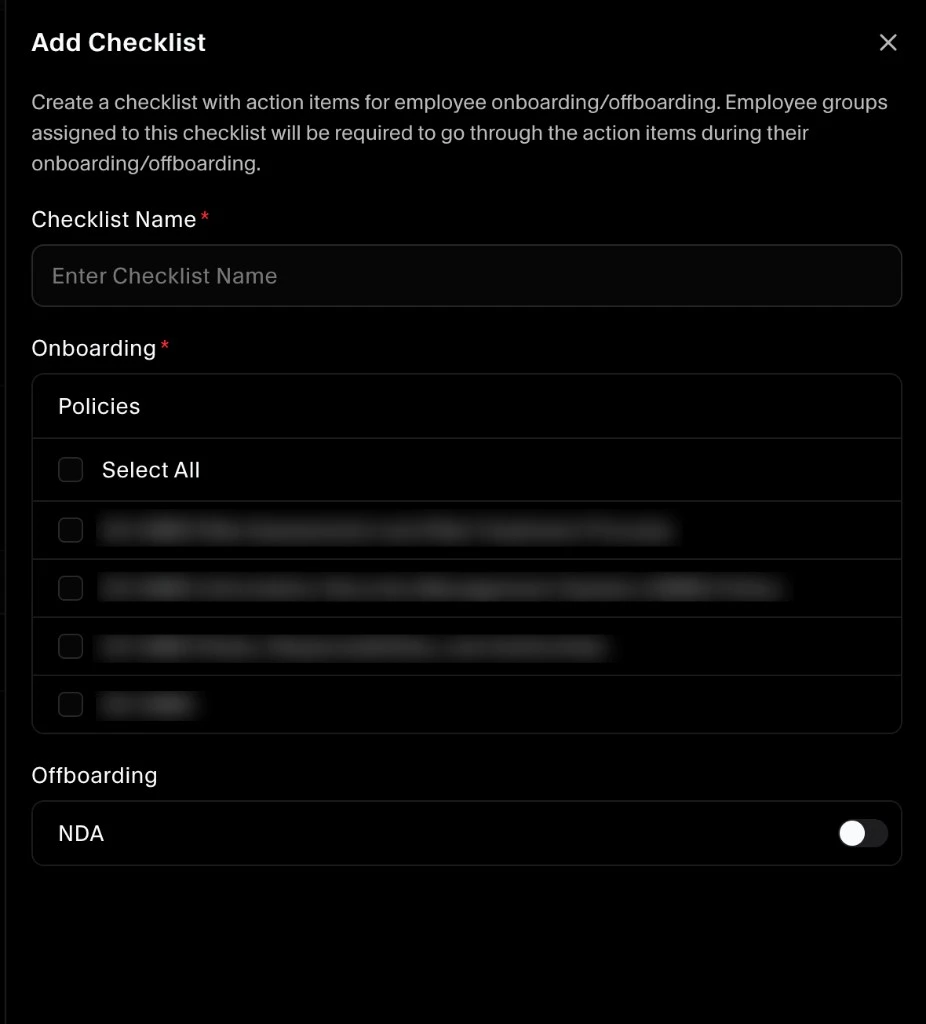
2. Create and Customize Checklists
Create one or more checklists for personnel compliance.
Typical checklist items include:
- Policy acceptance (security, privacy, acceptable use)
- Required security tasks
- Optional offboarding NDA document acknowledgment
You can use the same checklist across multiple groups or create dedicated checklists per group.
For step-by-step instructions on adding policies to a checklist so they show in employee onboarding, see Assign Policies to Employee Onboarding.
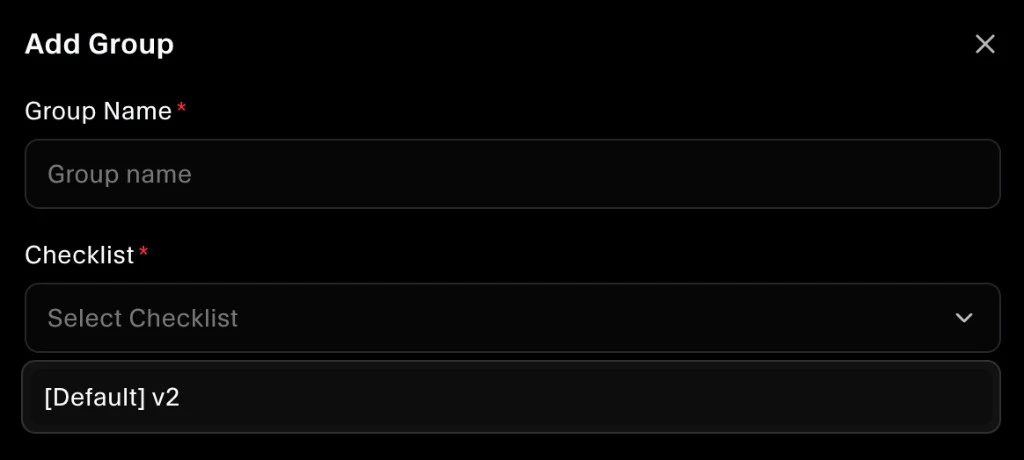
3. Assign Checklists to Groups
After a checklist is created, assign it to the relevant Employee Group.
This ensures all employees in that group receive the same required tasks and acknowledgments.
Assignment model: Checklist -> Group -> Employee
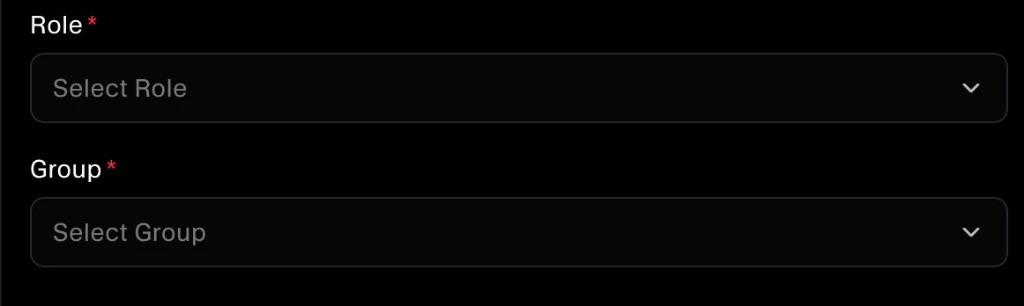
4. Assign Employees to Groups
During onboarding, add each employee to the correct group.
If an employee changes role or access level later, update their group assignment so the right checklist remains enforced.
5. Complete the Onboarding Workflow
In the Employee Onboarding workflow, employees complete all required checklist items, including:
- Accept all assigned policies
- Complete required security tasks
Completion status is tracked for compliance and audit evidence.
6. Run Offboarding Requirements
Use offboarding checklist items to ensure secure exits, such as:
- Offboarding NDA acknowledgment
- Access and device closure tasks
- Final compliance confirmations
Best Practices
- Start with broad requirements, then tailor by group
- Keep checklist items clear and actionable
- Set completion deadlines
- Review completion status regularly
- Update checklists when policies or controls change
