Settings
User Management
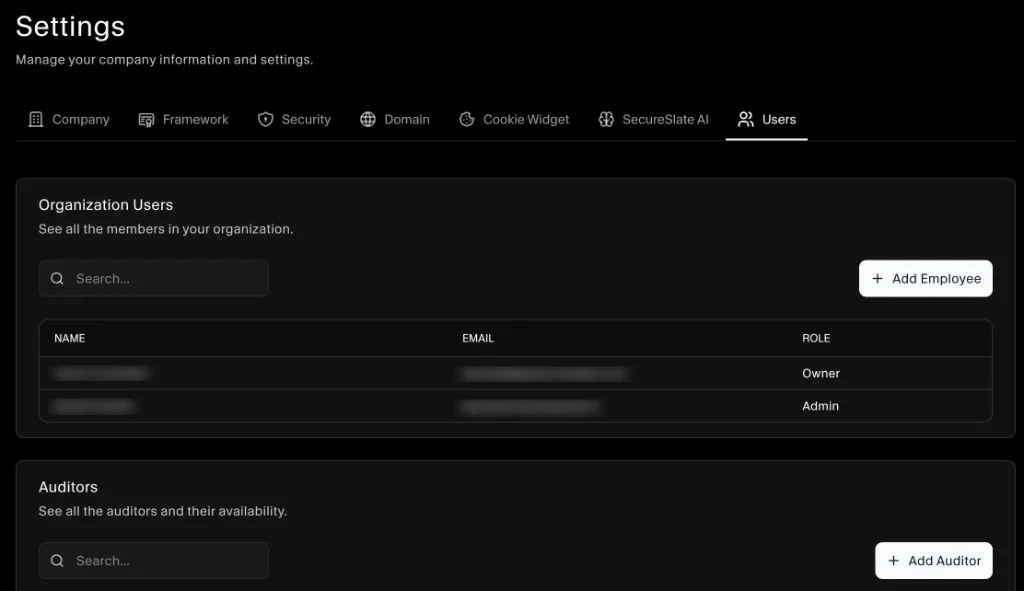
Use Settings → Users to manage who has access to your SecureSlate workspace.
Organization Users
The Organization Users section lists all team members in your organization, along with their email and role. You can also open a user to view their details.
To add a new team member:
- In Settings, open the Users tab.
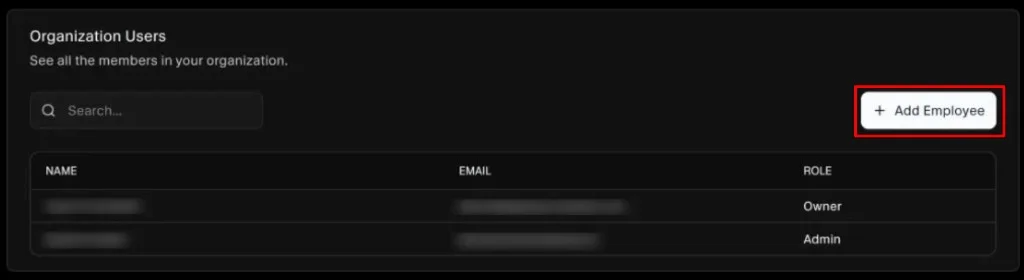
- In Organization Users, click Add Employee.
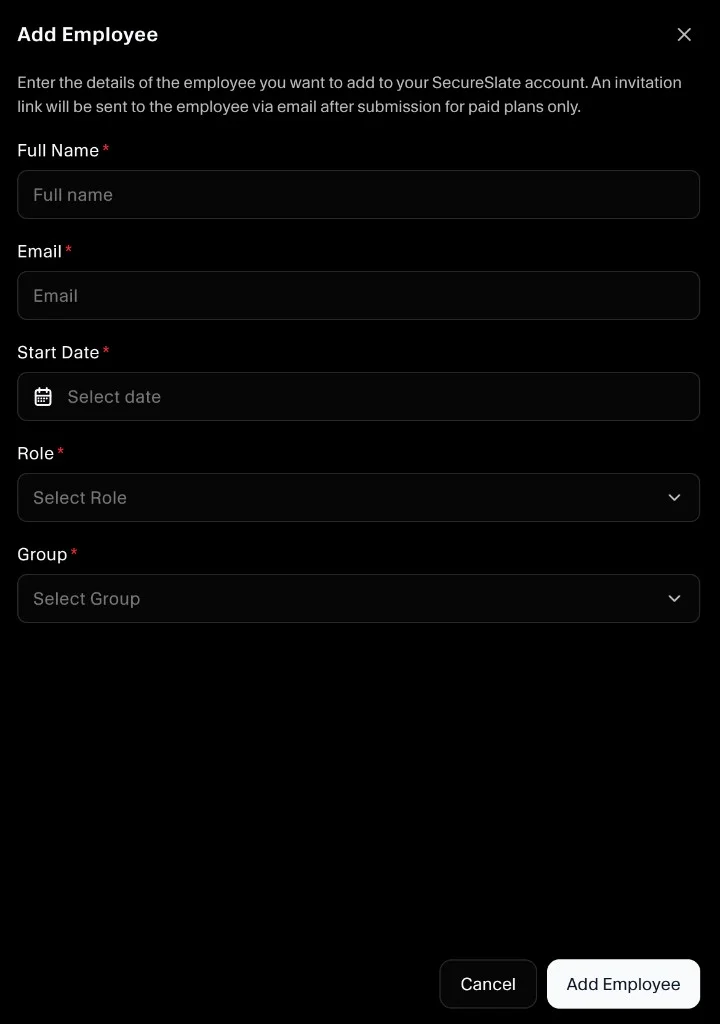
- Enter the user details and assign a role, then save.
Use the search bar to quickly find a user by name or email.
Auditors
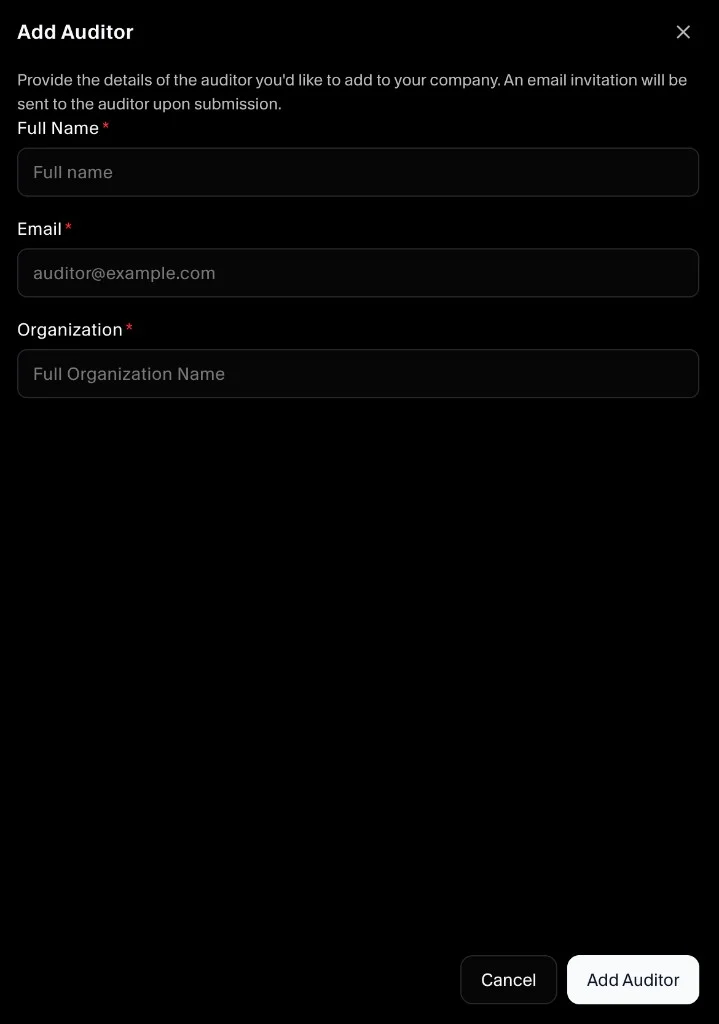
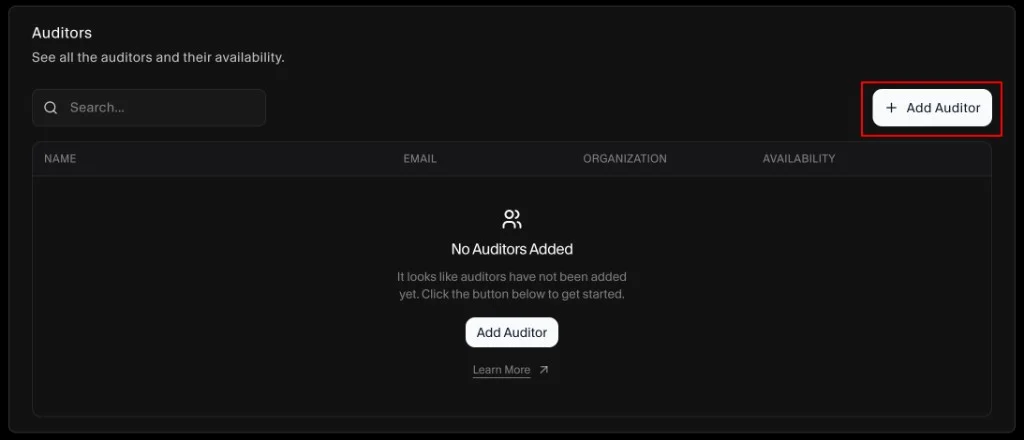
The Auditors section is used to manage auditors and their availability. You can invite your own auditor to SecureSlate and then assign them to internal audits from the Audit page.
To add an auditor:
- In Settings, open the Users tab.
- In Auditors, click Add Auditor.
- Enter the auditor details and save.